
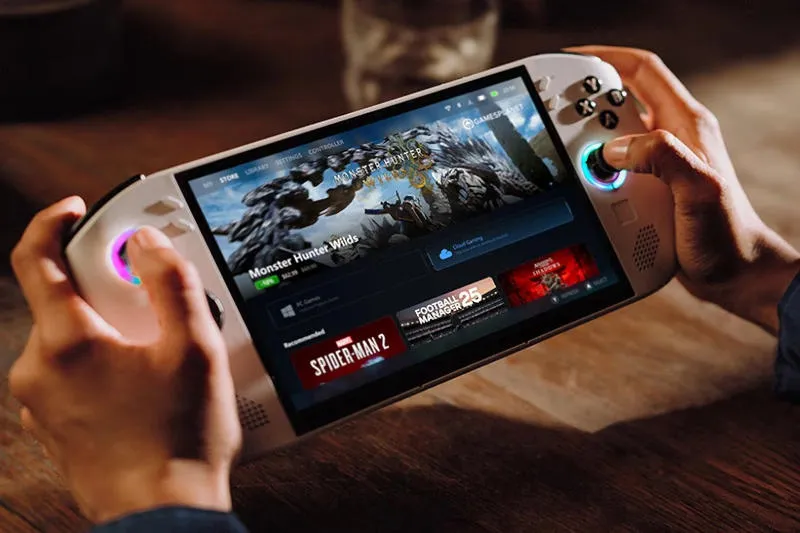
Unsuccessful BIOS updates may corrupt some Lenovo Legion Go pen drives: after installing version V42, the device may stop booting and displaying images. The first complaint came a few weeks ago, with Lenovo charging one user approximately $300 to repair the problem. Now, the company has officially acknowledged the issue, removed the dangerous update, and offered users experiencing the issue a way to bring their consoles back to life.
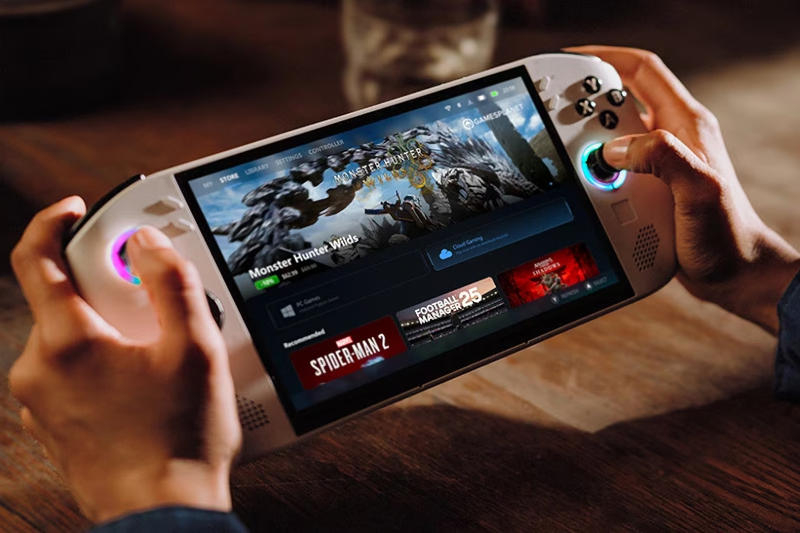
Image source: Lenovo.com
Lenovo Public Relations Director Display Resources edge Official company comment:
“Lenovo is aware that some Legion Go devices may experience a black screen during BIOS V42 installation. BIOS V42 is not distributed through Windows Update or Legion Space, and Lenovo has removed the update from its support website; verification is ongoing. Users who have successfully completed the V42 update do not need to take any further action at this time.
However, if the device displays a black screen during V42 setup, users can try pressing and holding the power button for about 10 seconds, wait for about a minute, and then turn the device back on. If the device cannot resume normal operation, customers should contact Lenovo Support for further assistance.
Lenovo will continue to research and validate future BIOS updates for Legion Go. “
On the company’s official forum, a user (presumably an employee) said that repairs should be free for devices under warranty. “For equipment not covered by the warranty, repair [также] It should be free, but please check local regulations”he added.
This issue only affects the original Lenovo Legion Go 8APU1 model, not the Legion Go S or Legion Go 2, and occurs when trying to install the V42 BIOS update (N3CN42WW). It was posted on Lenovo’s website for about two months but has now been removed. However, the issue does not appear on all copies of the Legion Go 8APU1.
«Therefore, it is likely that the issue is related to a specific component used on a certain batch of motherboards, or requires special circumstances to manifest itself.“, a company representative suggested on the official forum.
If you find an error, select it with your mouse and press CTRL+ENTER.