
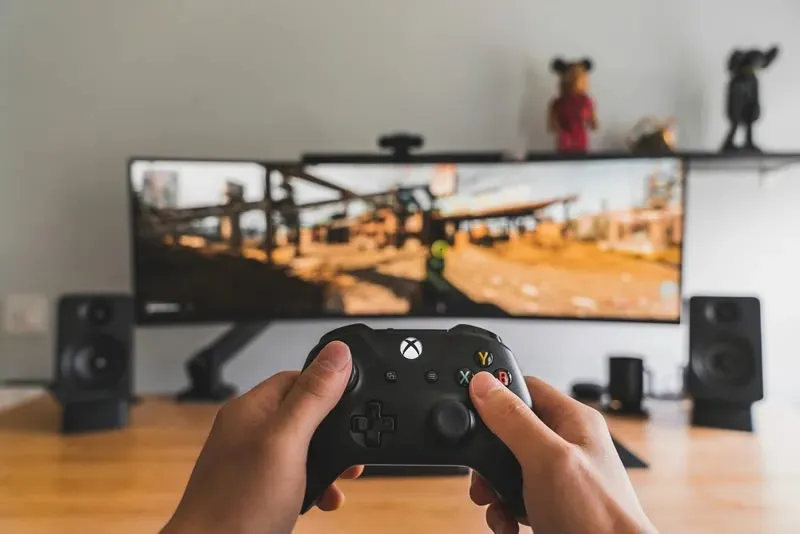
Microsoft announced in November that it would be possible to use the cloud gaming service Xbox Cloud Gaming without a subscription to Xbox Game Pass. The company will offer separate purchase of game time packages, which should appeal to users who turn to cloud gaming frequently enough to pay the full monthly fee.
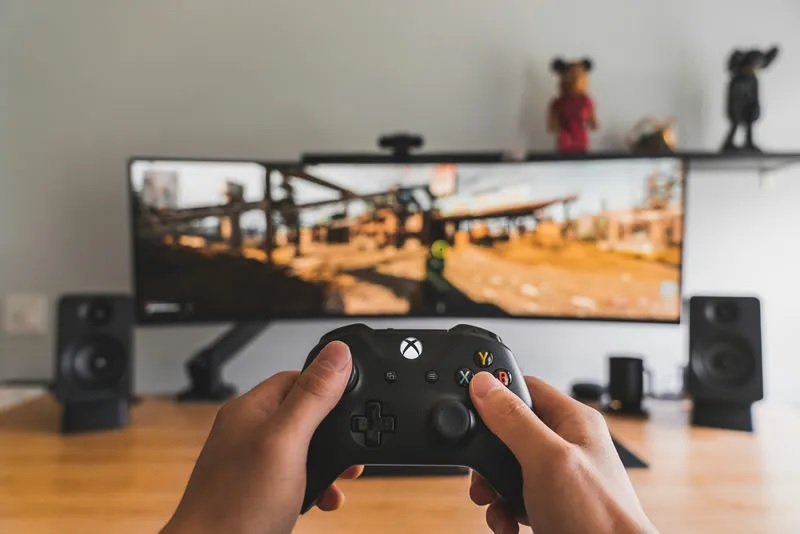
Image source: am Pak/Unsplash
«Gamers will be able to purchase hours of gameplay from the Xbox Store and stream the games they own on supported devices. This will provide additional options for those who want to use cloud gaming from time to time or who don’t want to sign up for a standard Game Pass subscription“, Microsoft said in a statement.
At the same time, Microsoft has implemented monthly limits on the use of cloud services by Game Pass subscribers. In particular, Xbox Game Pass Ultimate subscribers will receive 15 hours of cloud gaming time per month. Once you reach the limit, you can continue playing in the cloud with additional watch packs that can be purchased separately.
Therefore, Microsoft has effectively divided Xbox cloud games into multiple access options. For regular users, cloud gaming will still be part of Game Pass, while those who only play games occasionally will no longer need a monthly subscription – just purchase the number of hours they need.
The new option is likely to appeal primarily to those who don’t own an Xbox console and are running games on PCs, smartphones, tablets, TVs and other supported devices. Meanwhile, Microsoft is testing another option for accessing Xbox cloud games — free, but with ads. It’s currently available to Xbox Insider members. In the future, this model could further expand the audience of cloud services to those who don’t want to buy a game console or pay for a subscription.
If you find an error, select it with your mouse and press CTRL+ENTER.