
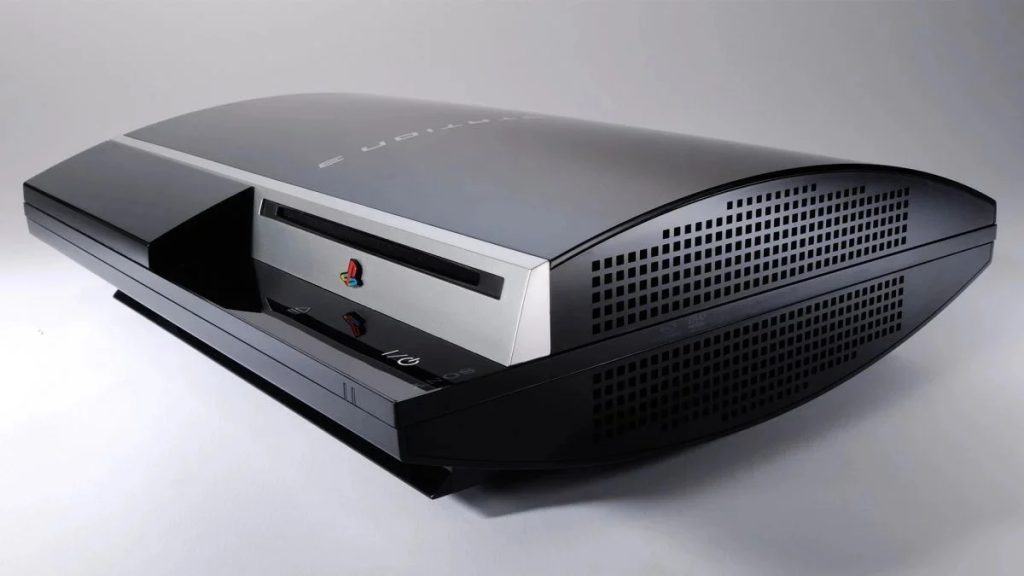
While Sony is trying to get fans to digest its farewell to physical discs starting in January 2028,PlayStation 3 emulation on PC Taking the exact opposite step with a new update RPCS3now lets you play physical games directly from your computer’s Blu-ray player without having to transfer game data to a hard drive first.
Physically yes, but only in simulation
The developer’s announcement of expanded support for physical discs also highlights the value of owning games in physical formats: “Have your own game on physical media Allows you to play games from 20 years ago without relying on any server! ”.


To use this feature, you’ll obviously need a compatible Blu-ray drive. RPCS3 provides Supported player list And, with the latest update, direct disc playback is no longer limited to Windows: support has been extended to Linux, macOS and FreeBSD. The developers have also optimized the installation time of packages directly from the player.
PS3 emulator RPCS3 rejects DLSS 5: Developer criticizes upgrades and frame generation


However, the term “plug and play” used by this project should be interpreted with caution. When launching a physical PS3 game for the first time In fact, it is necessary to provide the emulator with the relevant disk decryption key and place it in the data/redump folder. Once the operation is complete, the disk can be booted and its data read and decrypted directly during execution.
Sony should be grateful for this Completely free open source projectwhich allows players to continue using the original game without having to buy a second-hand console, thus ensuring better preservation. In this sense, the possibilities offered by RPCS3 represent a concrete example of the role simulation can play in video game preservation. In fact, it’s been almost two decades since the PS3 came out, and getting older has made it increasingly difficult to play games.