
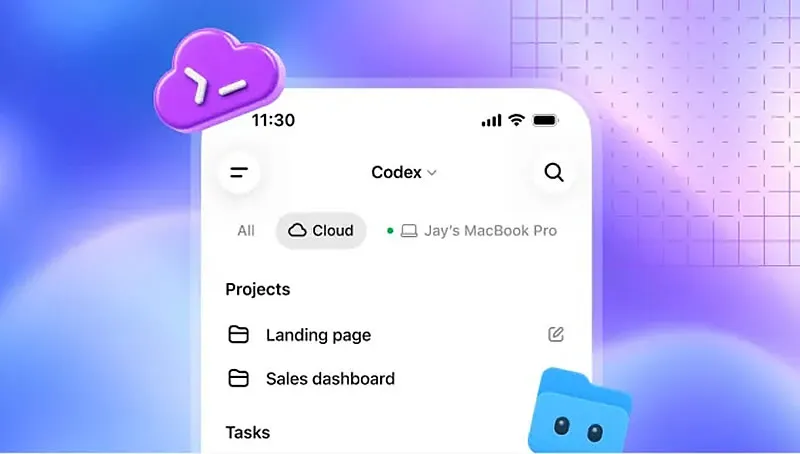
OpenAI has introduced new features for its AI programming agent Codex, making it available not only on developers’ computers. In particular, the company added a reusable cloud development environment that can be accessed from any device.
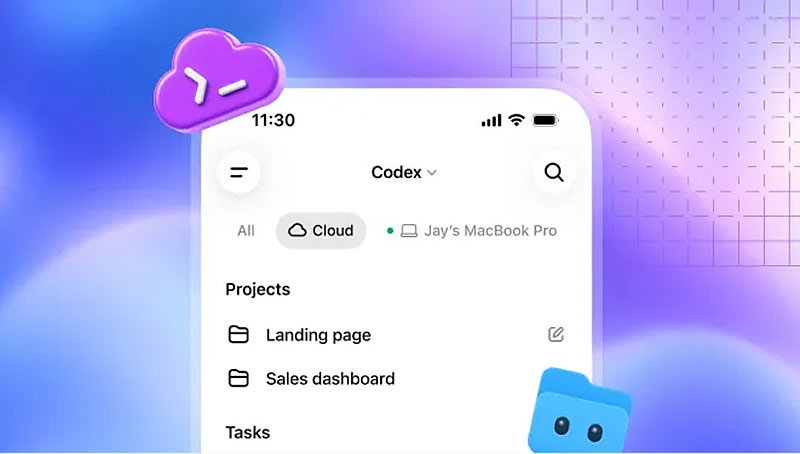
Image source: OpenAI
Previously, cloud tasks in Codex would run as independent sandboxes and be re-established for each request. Developers can now set up persistent workspaces with approved permissions and environment settings. This speeds up task launches and enables teams to use a single, consistent collaboration environment regardless of the location of process participants.

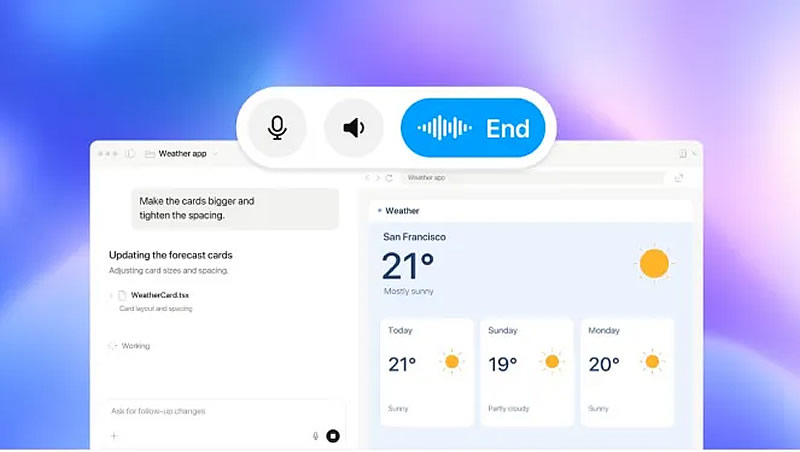
The Codex CLI command line interface has also been updated: it can now be controlled via voice. The application has a new /agents panel for delegating tasks and monitoring multiple processes simultaneously. The terminal interface has been made “cleaner” and more convenient for long sessions, and the ability to edit prompts, resume interrupted sessions, and use the change tree (working tree) has also been improved.

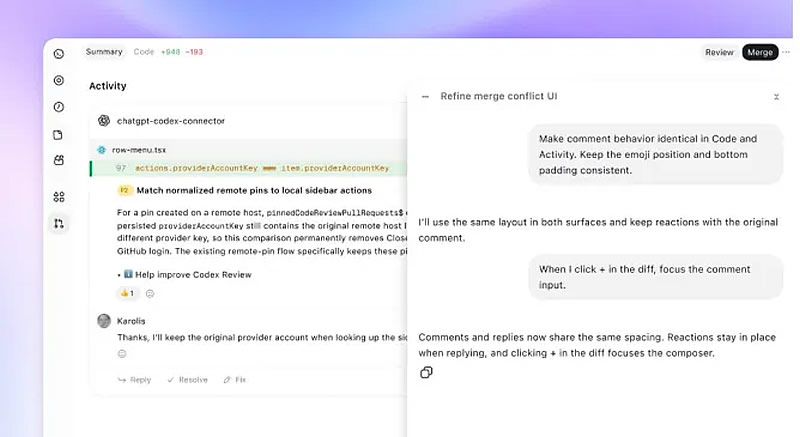
Integration with the ChatGPT desktop application features new code review capabilities. Users can view a summary of changes, review edits, and ask questions to agents before submitting feedback to GitHub or GitLab. The system can automatically check even when the user is not present and the laptop is turned off.

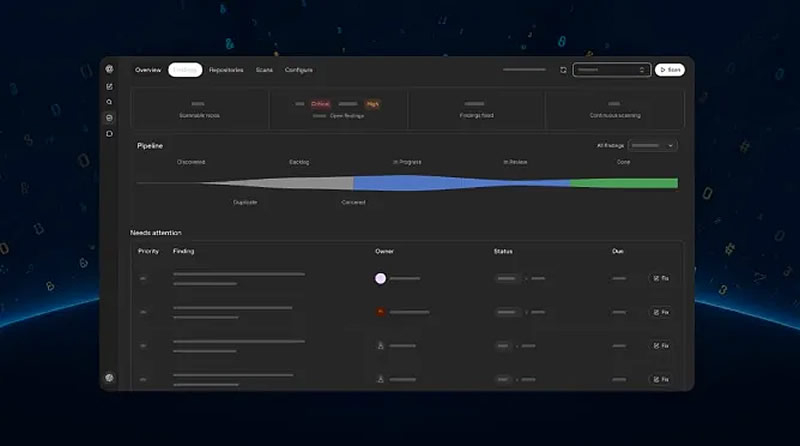
To protect the infrastructure, a suite of Codex Security Cloud tools has been launched, which scans repositories on a schedule or upon new commits, automatically eliminating duplicate vulnerabilities and preparing them for remediation. The Daybreak Blue network security model is now available and does not require a separate application. Also launched is the Decisions API for real-time decision-making and an updated Agents API that supports Amazon Bedrock. OpenAI Dev Day takes place on Tuesday.
If you find an error, select it with your mouse and press CTRL+ENTER.