
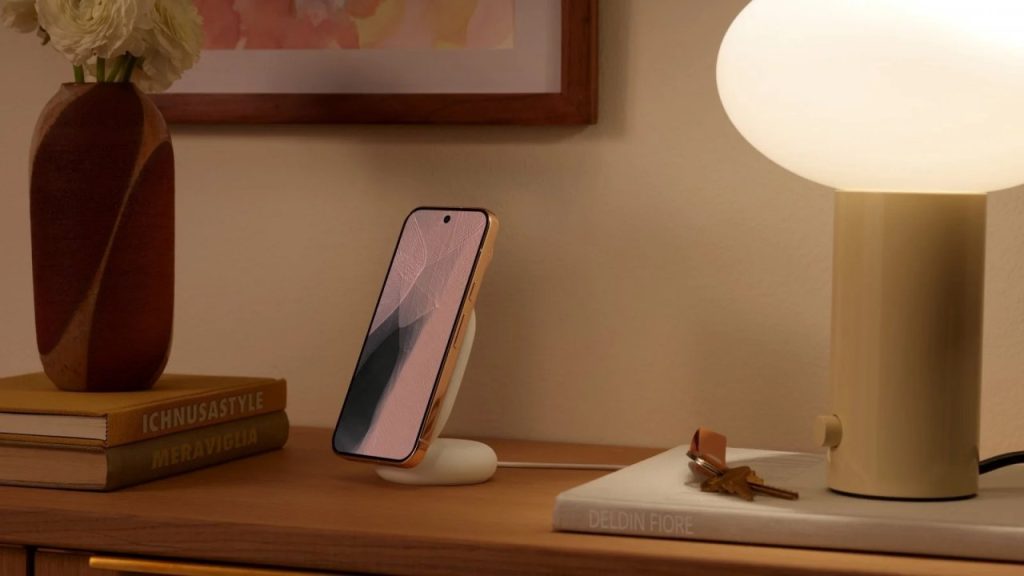
Just days later, Google has distributed beta 6.1 on Android 17 QPR2. We recall that in Beta 6, Pixel 11 devices were excluded from the list of compatible models. Fortunately, the new version finally includes these devices as well, introducing a particularly interesting innovation as well LED highlight light. Let’s take a look at all the details below.
What’s new in Pixel 11
First, no further details about the bug fix have been shared yet, but Google warns Potential issues that may occur on Pixel 11 Pro Fold. In particular, the face unlock feature may not work properly, requiring new configurations to use face unlock smartphones.
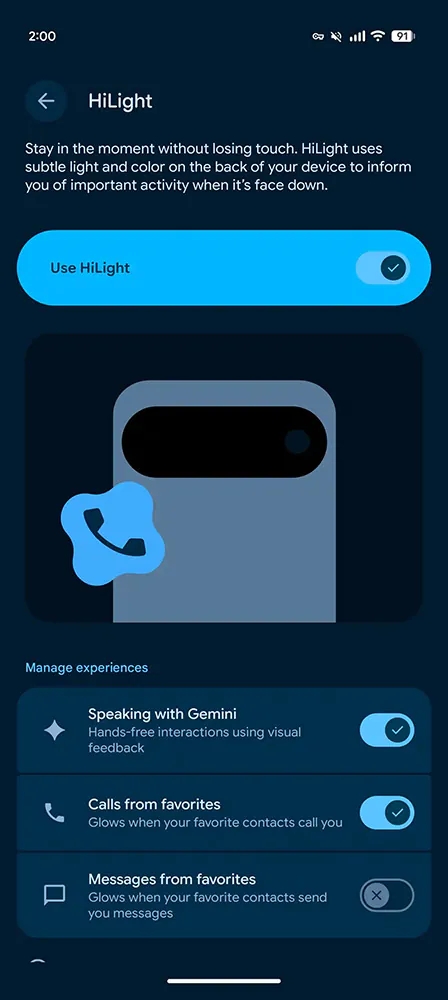
As we expected, the actual news involves HiLight LEDs, now It lights up when you receive a message from a favorite contact. There are no new colors yet, but don’t rule out that they will appear in a future update. this Message supportThus, allowing you to take full advantage of this feature. You can find this option by going to the Manage Experience section and selecting Settings > System > HiLight.

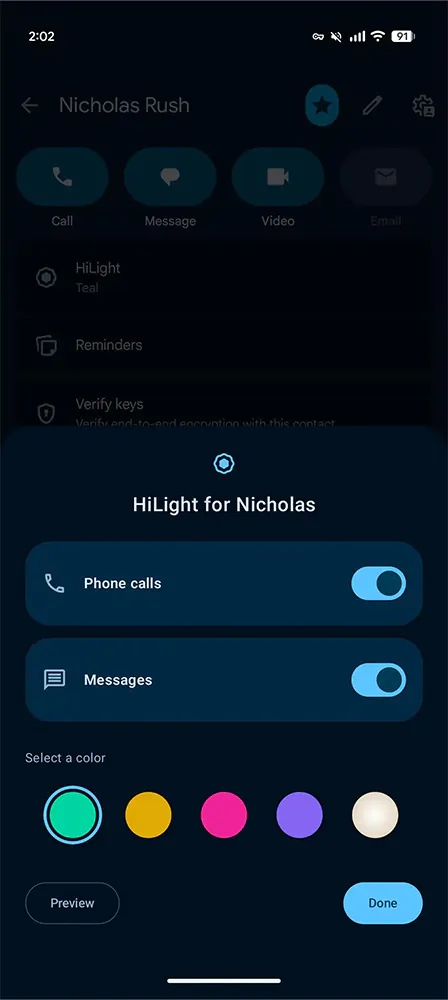
If you want, you can Enable (or disable) LEDs Used to link to calls or messages from personal contacts. Simply open the relevant contact page, as shown below.
For those who don’t know, HiLight is a new feature introduced on Pixel 11: what it does is A series of LEDs are placed around the flash to provide information When the phone is placed with the screen facing down. As a result, you will be able to Follow any notification without turning on your displayas seen on some models in the past.