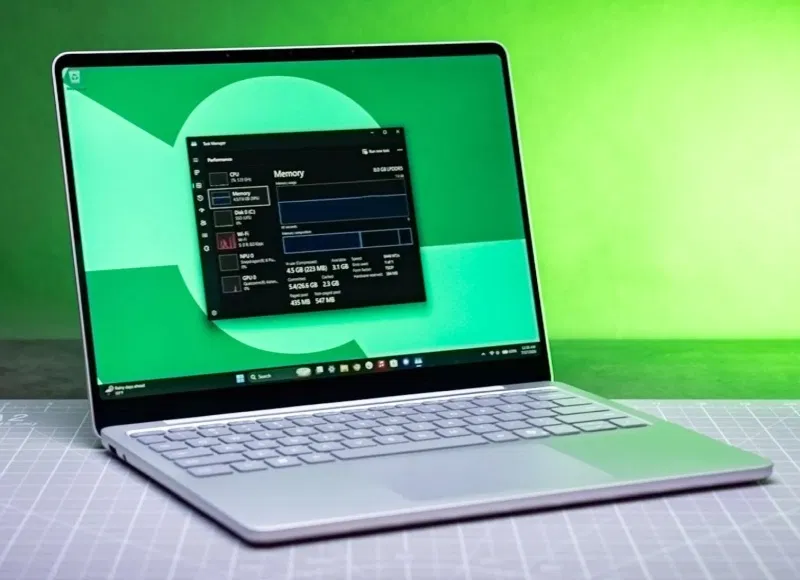
Even earlier this year, 16GB of RAM was common for Windows laptops under $800. However, due to continued price increases, 8GB has once again become the standard for base configurations. Microsoft has promised to make Windows faster and more reliable, and judging by reviews from independent experts, the company’s efforts are beginning to bear fruit. According to journalists from The Verge, Windows 11 with this amount of RAM “now feels like a completely acceptable option.”
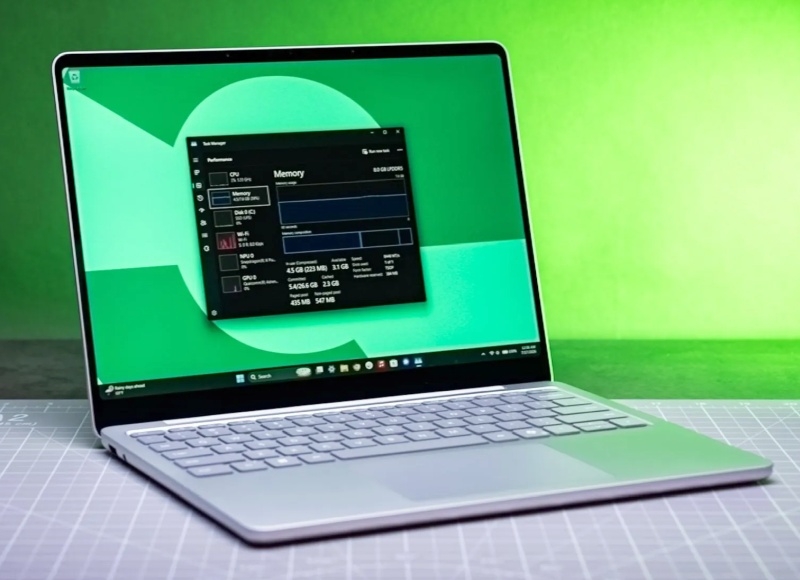
Image source: The Verge
Microsoft executive vice president of Windows and devices Pavan Davuluri talked about improvements in Windows 11 to help computers with 8 GB of RAM. According to him, “In our lab tests, Windows was up to 20% more responsive and multitasking was up to 40% faster.”
The most significant changes in the OS affected memory management. When there is not enough RAM to process all active data, some of it has to be offloaded to the drive. And SSDs, especially in inexpensive laptops, are much slower than RAM. The situation when Windows accesses data unloaded from RAM onto an SSD is called a “hard fault” or “page fault”. In such cases, the user experiences a decrease in system responsiveness and noticeable delays when performing the most basic actions.
According to Davuluri, the operating system’s memory performance has been improved: “Windows can now hold 2GB more active data in RAM without moving it to a slower drive. This makes it much less likely that an open app or browser tab will reload when you return to it.”
A journalist from The Verge decided to check Microsoft’s statements. For testing, he used a 13-inch Surface Laptop with 8 GB of RAM. In previous builds of Windows, he says, the laptop “was one of the most glaring examples of how memory limitations limit what computers can do: With half the memory of last year’s base model, it struggled to handle my usual workload.”
Running Windows 11 25H2 (build 26200.8875), with 20 tabs open in the Chrome browser, 4K video playback on YouTube, and instant messengers Slack and Signal running, the system worked extremely slowly: switching tabs and navigating the Windows interface occurred with noticeable delays. Chrome tabs and apps would reload if left in the background for even a short time. The “Resource Monitor” showed from 700 to 29,000 “hard failures” of memory accesses per second – at such moments Windows practically froze. The fan continuously worked at high speeds.
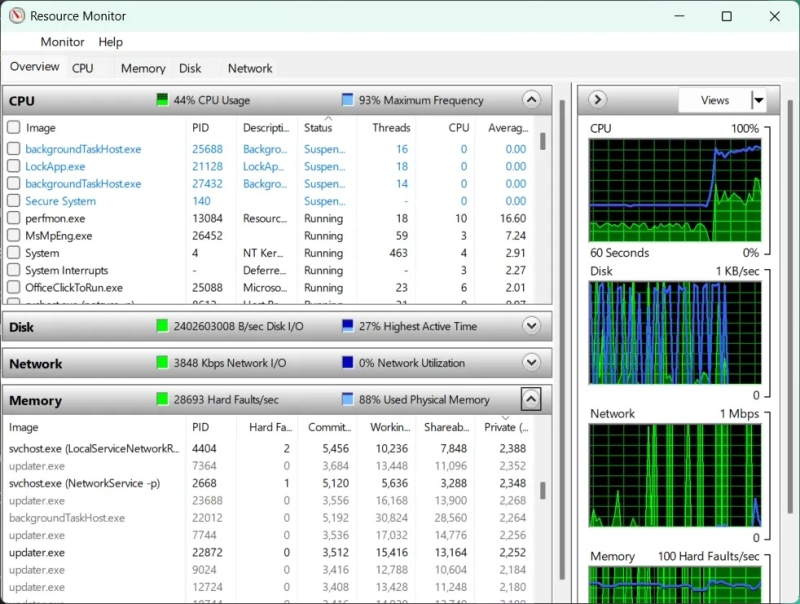
After updating the Surface Laptop to Windows 11 26H2 (build 26300.9974), the situation improved noticeably. According to the journalist, under a similar load, “Windows began to work slower, but not as critically as before.” He noted that the Task View feature became a little less responsive and sometimes slowed down, “but this is an expected behavior of the system under high load.” According to his observations, tabs in the Chrome browser began to require updating much less frequently, and the cooling system fan began to turn on later, worked more quietly and for shorter periods of time. The number of “hard crashes” is now less than 300 per second, only occasionally reaching 1000.
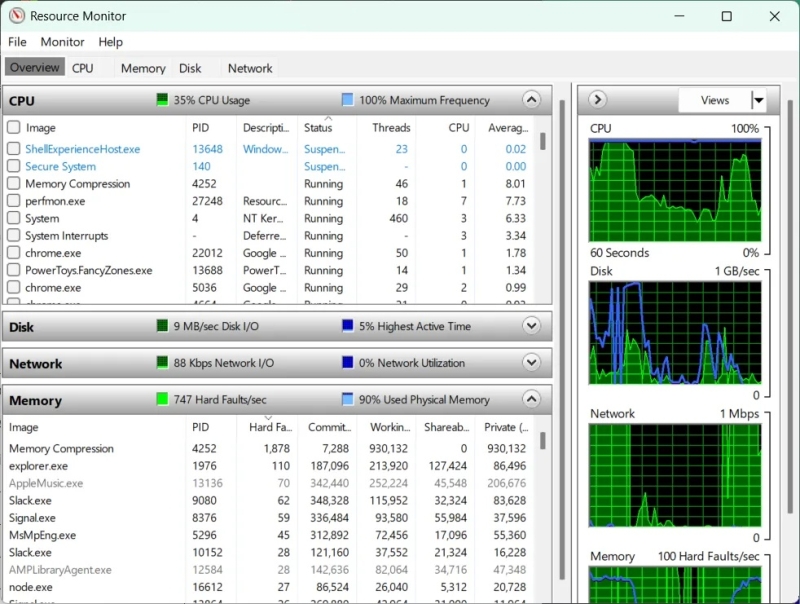
The Verge concluded that the Surface Laptop with 8GB of RAM performed better, and Windows 11 with that amount of RAM “now feels like a viable option.” According to him, “Microsoft did a good job on its basic model, but the miracle did not happen.” However, after improvements to Windows 11, 8 GB of RAM is quite a working volume, which should be enough for basic tasks.
The current acute shortage of RAM turns working on devices with a small amount of memory into a harsh reality. Microsoft itself is partly to blame for this, for overloading Windows with all sorts of additional functions, while other operating systems, such as Linux, macOS and ChromeOS, work much more efficiently with limited memory.
If you notice an error, select it with the mouse and press CTRL+ENTER.