Microsoft is testing a new Windows Baseline Protection system, due to which even licensed applications may not run on a PC with an insufficient level of protection. The system will combine eight existing Windows 11 security mechanisms into a single verification system, the results of which can be used by third-party developers. If the computer does not meet their requirements, applications may limit certain functions or completely block the launch.
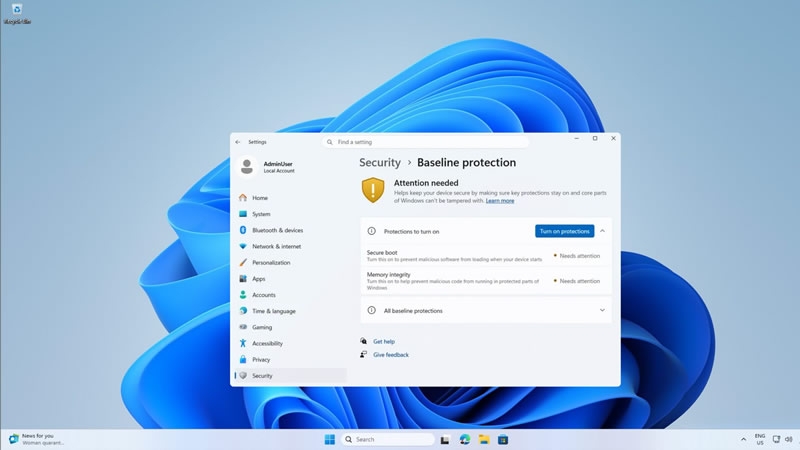
Image source: windowslatest.com
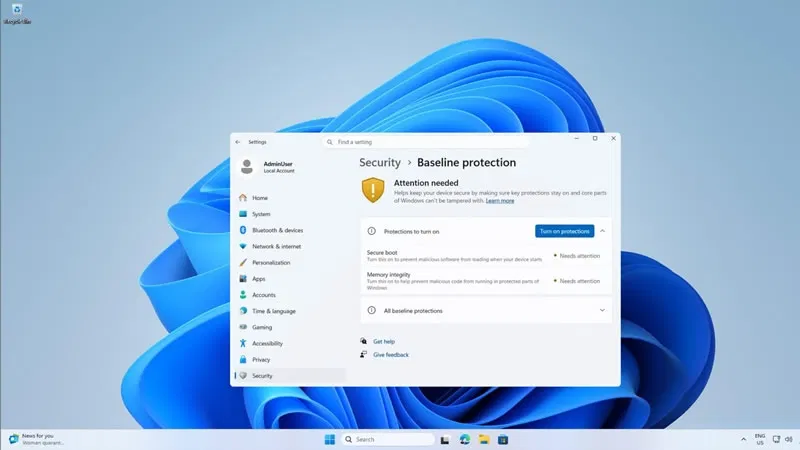
First of all, the system checks for the presence of the hardware security module TPM 2.0, the activity of Secure Boot and virtualization based on security (VBS), as well as the operation of Memory Integrity, which protects memory from the execution of malicious code. In addition, as Windows Latest reports, the use of only signed and certified Windows drivers, protection against kernel debugging, and blocking of vulnerable drivers are taken into account. All eight mechanisms must be active to pass the test.
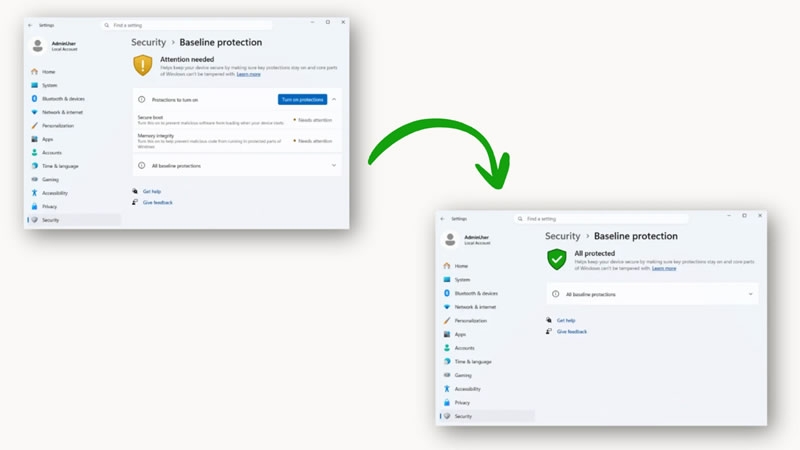
Developers will be able to ask Windows for a simple scan result, a detailed list of missing security components, or a special hardware verification token. The latter option is more difficult to counterfeit, since its authenticity can be verified on the developer’s servers. At the same time, Microsoft will not block applications on its own: companies themselves will be able to show warnings, disable certain features, limit functionality, or completely prohibit launching.
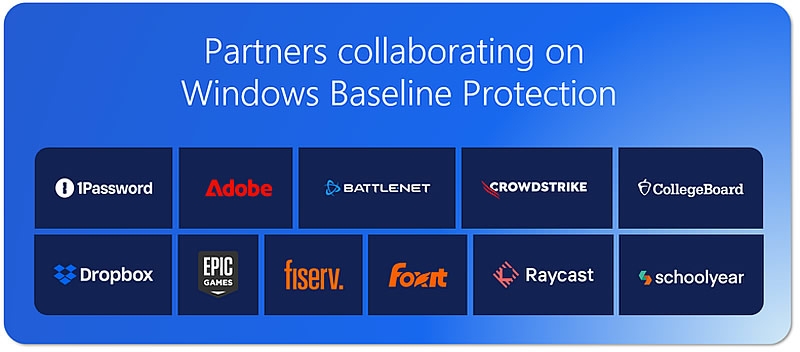
Adobe, Blizzard with the Battle.net platform, 1Password, Raycast and the educational service Schoolyear have already joined the testing. The latter, for example, uses verification to ensure that students’ computers meet security requirements before exams begin. However, neither Adobe nor Blizzard have yet announced their intention to block their programs on computers that have not passed verification.
The innovation may create additional difficulties for gamers and enthusiasts who disable certain protection mechanisms to improve performance or hardware compatibility. For example, disabling Memory Integrity can improve performance in some scenarios, and Secure Boot is often disabled when setting up computers with multiple operating systems, including Linux. Now such changes can lead to certain applications refusing to work at all.
To manage the new settings, Microsoft will add a separate Baseline Protection page to Windows 11 settings. The page will show which protection mechanisms are enabled and which require attention, and will allow you to activate the available functions with one button and then reboot.
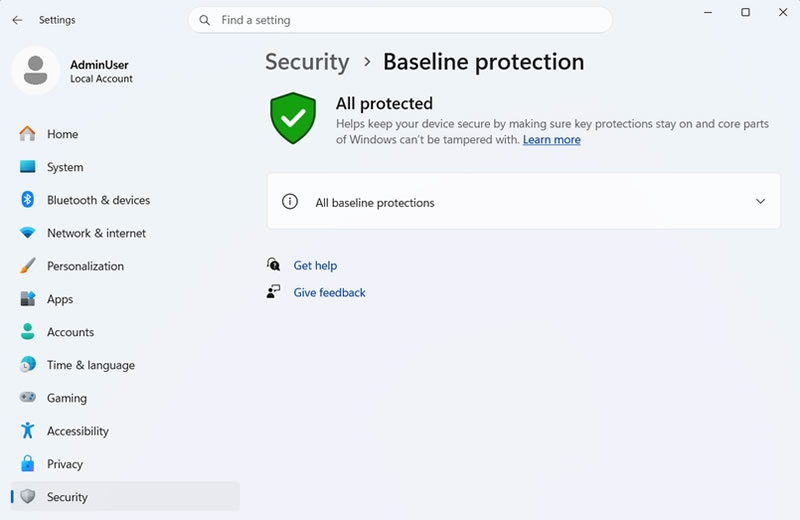
To enable Secure Boot, you’ll need to go to UEFI settings, and Windows will provide step-by-step instructions and a QR code for you to view on another device. The feature is currently available to members of the Windows Insider program, and its full distribution is planned for 2027.
If you notice an error, select it with the mouse and press CTRL+ENTER.