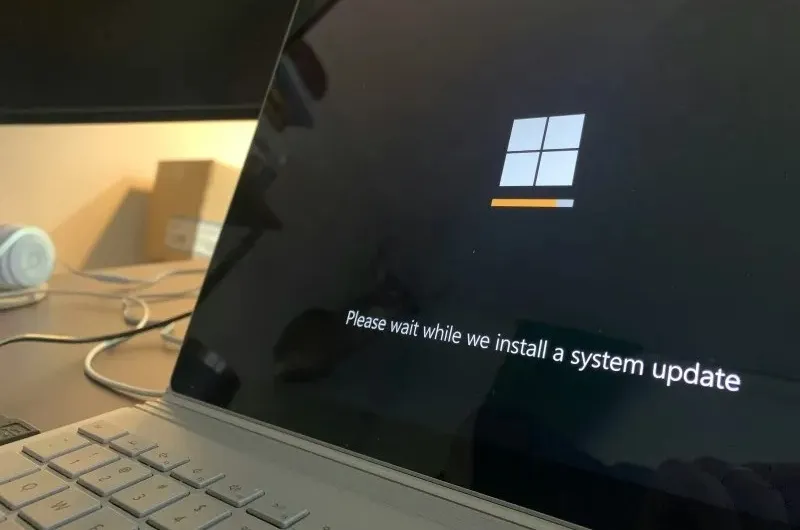
Recently, a zero-day ShieldBreak vulnerability was discovered in Windows Defender that allows attackers to gain system-level privileges on Windows 10, Windows 11, and Windows Server. Microsoft released security updates in a timely manner, but after this update, Windows Defender cannot perform quick scans, full scans, and offline scans.
Image source: unsplash.com
Users reported that both quick scan and full scan failed in the final stages, while offline scan was stuck at 91%. Interestingly, a manual scan of the entire drive still worked, suggesting the issue may be related to the way Defender handles certain scans.
An error with code 0x000005 appears in the Windows event log, indicating the mpengine.dll library, which is part of the Microsoft antivirus engine. DefenderApiLoggerLowPriv session errors are also reported.
According to Neowin forum leader and former ESET researcher Aryeh Goretsky, the affected Windows Defender versions are v1.1.26070.7 and v1.1.26080.2 when used with the following versions of Microsoft Security Intelligence updates:
- 1.457.222.0;
- 1.457.225.0;
- 1.457.226.0;
- 1.457.227.0;
- 1.457.230.0.
At present, Microsoft has not officially admitted that the latest Defender update caused the scan failure, but restoring the system to a previous version can help fix the problem, which also indirectly confirms the failure of the latest update.
If you find an error, select it with your mouse and press CTRL+ENTER.