
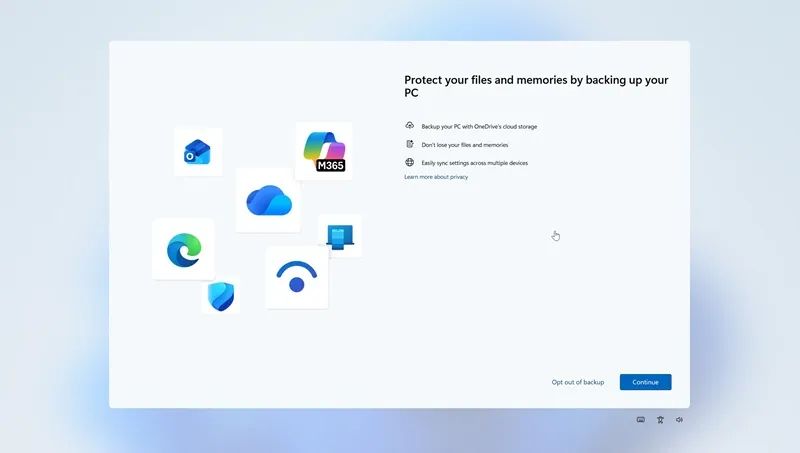
Windows 11 build 25H2 introduces the ability to opt out of using OneDrive cloud storage for backups. The resource wrote that previously, users could only choose “Remind me in 3 days” or “Remind me later” to use OneDrive, and could not refuse this feature. Windows Latest.
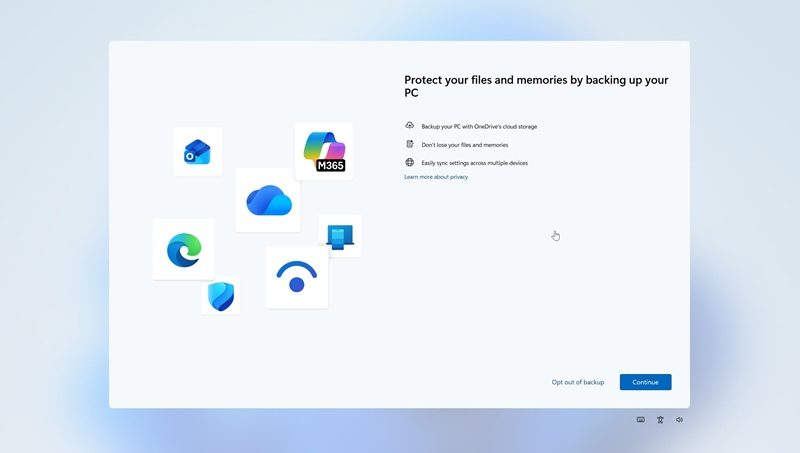
Image Source: Windows Latest
However, Microsoft still recommends OneDrive “Protect your files and memory by backing up your computer” Among the advantages of this integration in Windows 11, he mentioned the ability to synchronize data across different devices.
Microsoft does the same thing when first setting up a Windows 11 computer or installing the operating system. Users are asked to sync everything with OneDrive now, or do the same later. That is, the option to decline is not offered at all.
As Windows Last points out, Microsoft can recommend OneDrive all it wants, and backing up files to the cloud has its benefits, but Windows 11 should also clearly provide an opt-out option when you don’t want to back up files to OneDrive. Users don’t have to look every day for ways to deactivate OneDrive or close the same full-screen window that requires it to be installed.
Microsoft was also recently spotted installing OneDrive Photos on computers running Windows 11 and 10. The company was forced to defend itself, saying it was a mistake because the app was distributed more widely than planned. After users reacted negatively, its installation was canceled and Microsoft promised to eliminate such incidents in the future.
If you find an error, select it with your mouse and press CTRL+ENTER.