
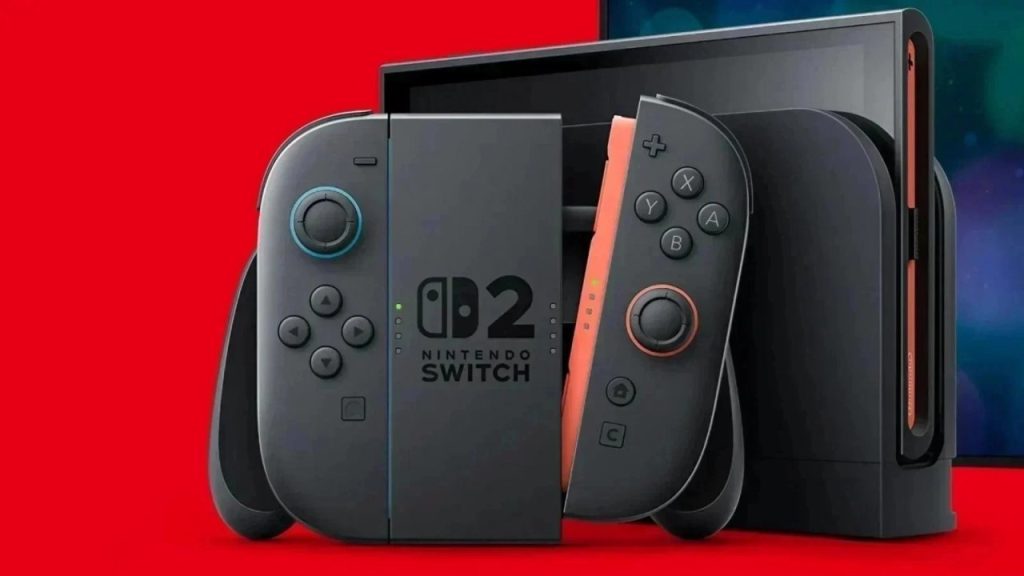
nintendo switch 2 Updated to version 23.0.0. The update introduces a variety of new features, but the most notable one is the ability to use VRR Also there TV mode Not just in portable mode.
let’s take a look at the list official news.
Nintendo Switch 2 Update 23.0.0 Details
here it is News list:
- The list of chats you can join now shows chats you have joined previously.
- Now, when starting a new chat, you don’t need to invite friends to join.
- A new option to change screen size has been added to the menu that appears when pressing the C button during chat.
- A new option has been added to the settings under Virtual Game Cards on the main menu. (Among other things, this is where you can control and change which consoles can use virtual game cards.)
- Added support for VRR (variable refresh rate) in TV mode: if the software and TV allow it, the video output reaches a refresh rate consistent with game performance.
- VRR settings have been added to the “Display” menu in “System Settings”
- Added the ability to perform system transfers from one Nintendo Switch 2 console to another.
- System transfer on Nintendo Switch 2 has been added to System Settings > System.
- Portuguese (Brazil) has been added to the available languages for GameChat Text-to-Speech and Speech ⇔ Text Conversion.
- Added option to save settings individually for each connected TV.
- “Basic Output Information” has been renamed “Video Output Information” and now includes detailed information about connected TV outputs.
- Added a new feature that allows you to create a QR code for your Mii so you can share it with other users.
- When you set the console end-of-sleep sound (TV) volume, the sound now plays immediately so you can check the volume level.
- Added the ability to enable or disable Laptop Mode Enhancement in Quick Settings.
- When launching the software, if the virtual game card cannot be removed from the other console because it is turned off or not connected to the Internet, you will be asked to use an online license to continue launching. (Only users who purchased the software can use the online license to play the game.)
- Background music now plays when you create or edit a Mii: you can change or stop the music from the music settings in the upper right corner of the screen.
- Now, when a Joy-Con 2 controller is actually connected to the console, other controllers can be used in power handheld mode.
- Game activity (viewable in the profile of the user page) now combines play time spent with a given software across multiple consoles: combined play time will be displayed in order, starting with the software used after the update.
- Overall improvements have been made to system stability to improve user experience.
nintendo switch 2 It should automatically download the updatebut you can also enable it manually through system settings. To use your console’s online features (such as accessing the Nintendo eShop), you must update your console to the latest version.
Nintendo Direct: All announced games and news for Switch and Switch 2


Finally, we would like to remind you that the Nintendo Switch 2 and The Legend of Zelda: Ocarina of Time Pro Controllers are already sold out.