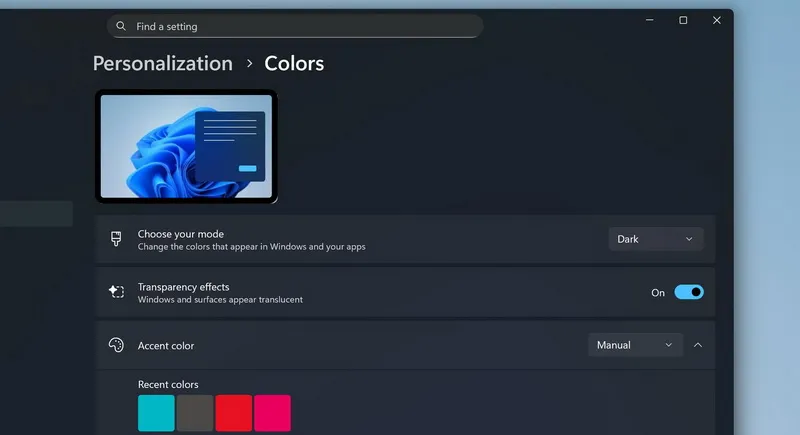
The ability to automatically switch between dark and light themes has long existed in macOS, Android, iOS, and even many Linux graphical shells, but for some reason is still missing in Windows. Apparently, this feature will appear in one of the future versions of Windows 11 for Insider Preview participants.
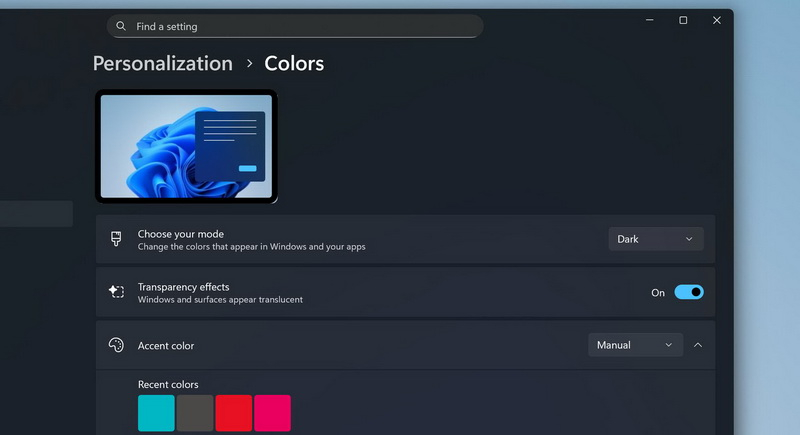
user @phantomofearth I found the corresponding text string in a recent experimental version of the system. They come with a new DLL file – “Windows.Shell.AutoDarkMode.dll” – which appears in the System32 folder.
Apparently, users will have the opportunity to set a schedule for automatically switching themes based on geolocation. If location services are disabled, Dark Mode will be enabled during user-selected system times. In this case, the mode will only change when the computer is not in use. This will prevent changing modes during work or meetings.
It’s unclear whether Windows’ automatic dark mode will also enable a warm tone filter to reduce eye strain like macOS does.
If you find an error, select it with your mouse and press CTRL+ENTER.