
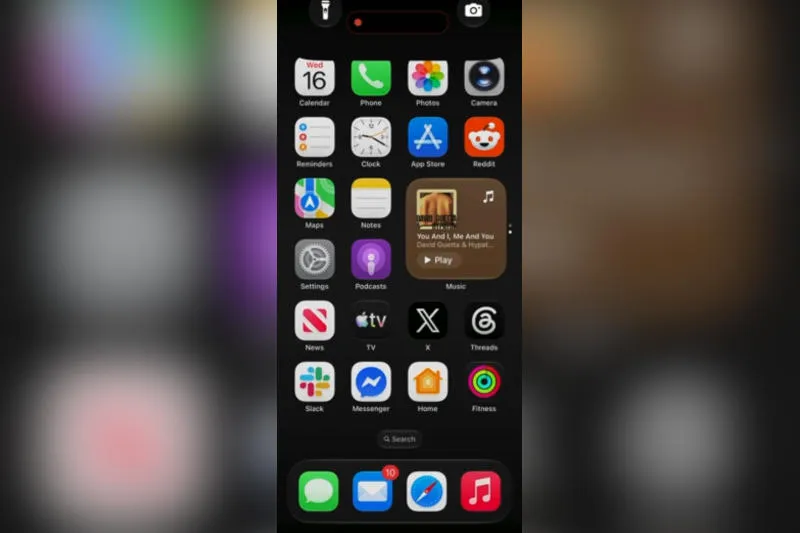
Just days after iOS 27 was released to a wide audience, it has reportedly revealed a way to temporarily disable your iPhone — with just a few simple swipes on the home screen 9 to 5. The messages quickly spread on social media as a way to prank friends.
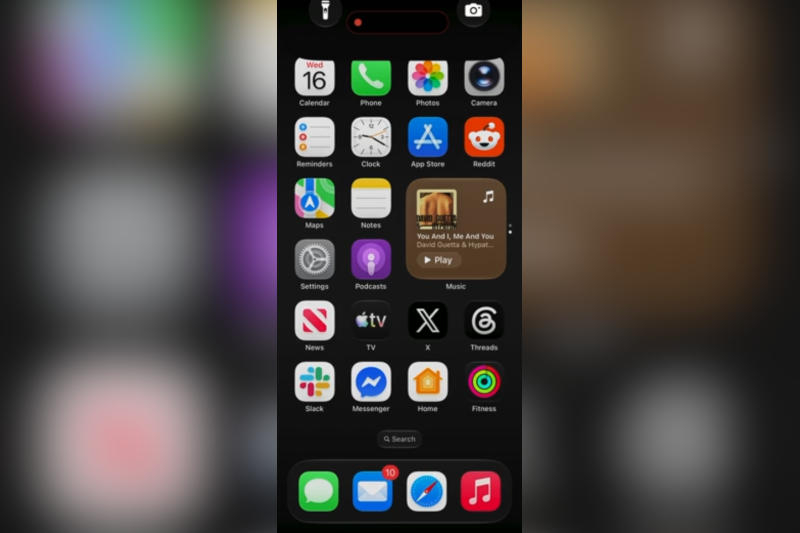
Image source: 9to5mac.com
We are talking about a software glitch that you can get your smartphone out of by forcing a reboot. Previous versions of iOS suffered from similar bugs; Apple usually fixes them over time. Sometimes it takes a complex combination of touch and gesture commands to reproduce the bug, but this time it was very simple to disable your iPhone.
On iOS 27 devices, you need to go to the home screen and slide your finger across the display from the top left corner, just like you would to open Notification Center. Almost after this, before Notification Center closes completely, you need to swipe down from the top right corner to open Control Center. Next, all that’s left is to close Control Center and make sure your iPhone is inoperable.
This often results in the camera and flashlight on-screen buttons getting stuck at the top of the monitor. The main symptoms of the glitch are the inability to switch between home screen pages; clicking on interface elements when opening apps does not always work, and the inability to fully use the smartphone. If you try to bring up the shutdown screen by pressing and holding the side button and moving the slider, the latter will not respond to the gesture.
You should not despair – to get rid of the freeze, you can simply force your smartphone to restart. To do this, you need to press and release the Volume Up button, then let go of the Volume Down button, then press and hold the Side button until the Apple logo appears. After restarting, the iPhone will return to normal.
Attempting to reproduce the fault will not work immediately – you will need to repeat the sequence of operations multiple times. It’s not difficult to do, but you need to act quickly. The bug occurs on the stable iOS 27.0 and the recently released iOS 27.2 beta.
If you find an error, select it with your mouse and press CTRL+ENTER.