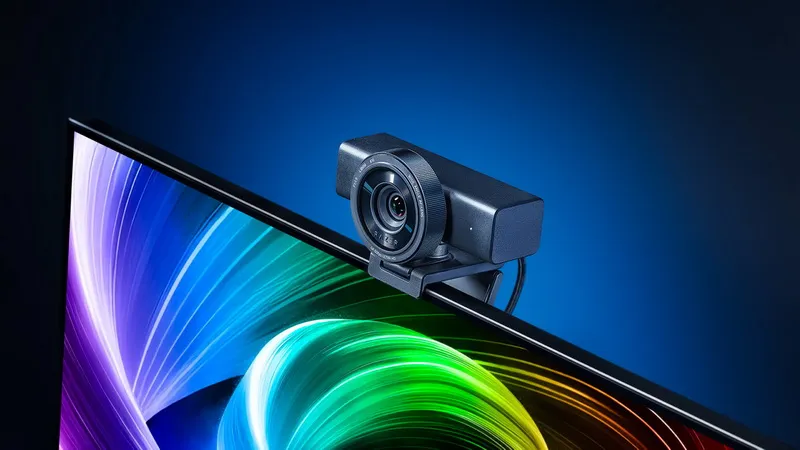
Razer launches Razer Kiyo V2 Pro, a professional 4K webcam. The new product is designed for gamers, streamers and content creators who require studio-quality image quality without complex hardware setup.
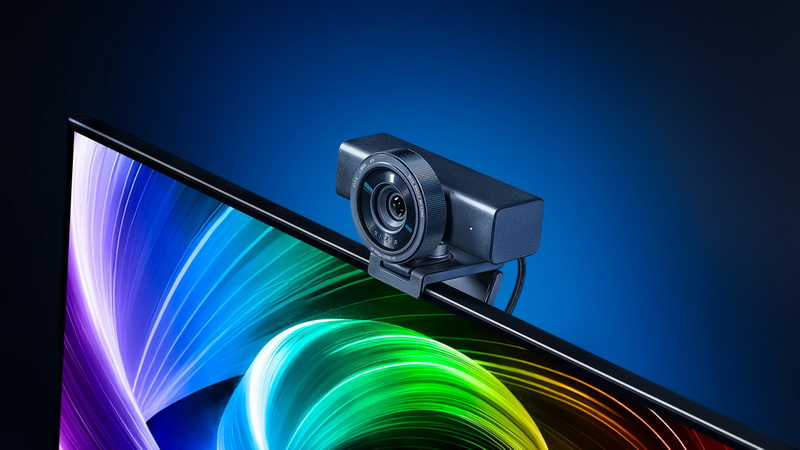
Image source: Razer
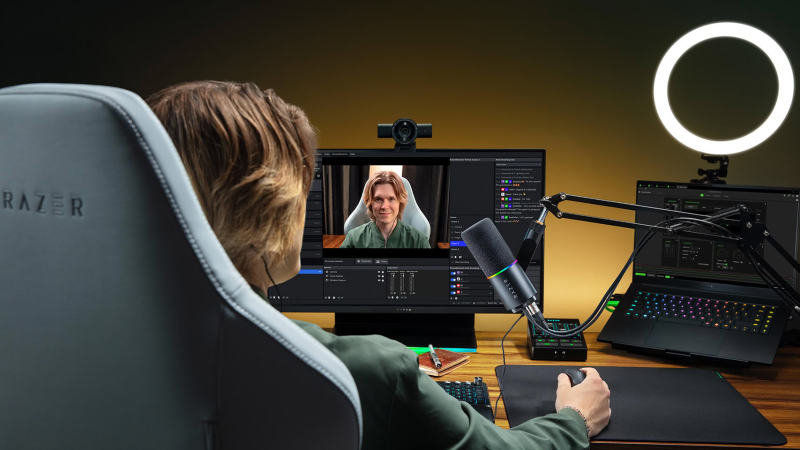
The Razer Kiyo V2 Pro supports video recording up to 4K resolution at 60 frames per second. The camera features an 86-degree wide-angle lens that captures more space with minimal edge distortion. The universal swivel mount allows you to mount the camera on a monitor or tripod, and a built-in privacy shutter ensures privacy.
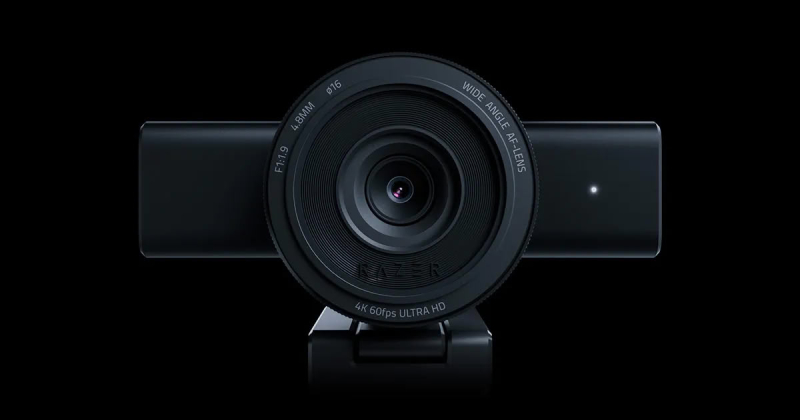
Kiyo V2 Pro uses an advanced 8.3MP back-illuminated STARVIS 2 sensor to capture more light per pixel, even in low-light conditions. This enables the camera to capture high-resolution shots at high frame rates while minimizing motion blur and delivering high detail.
The new product claims to support MJPEG video format up to 4K@60 FPS and 1080p@60 FPS, H.264 up to 4K@60 FPS and 1080p@60 FPS, and NV12 up to 4K@30 FPS and 1080p@60 FPS. Also supports HDR up to 30 FPS.
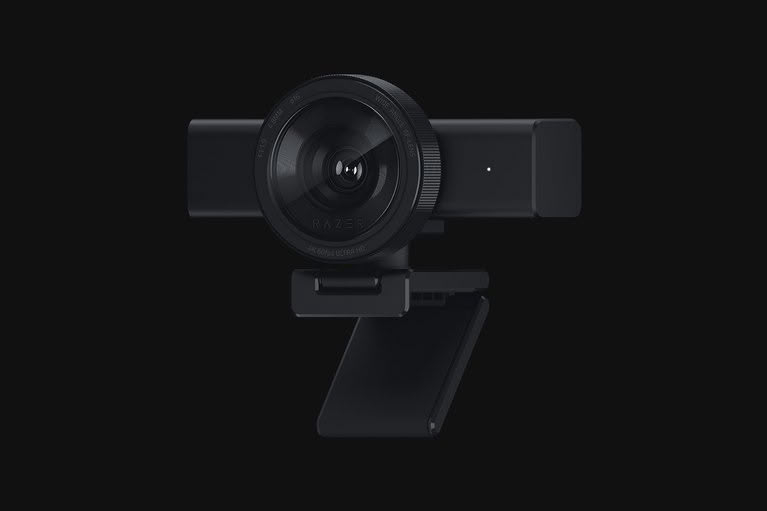
The camera is equipped with a smart automatic framing function that combines dynamic pan, tilt and zoom to track the author’s movements and keep them in the center of the frame. The Razer Kiyo V2 Pro also features a one-click image enhancement feature that automatically adjusts exposure, white balance and noise reduction to optimize image quality under different lighting conditions. Users can also access DSLR-level image settings through the software, including adjustments to color, sharpness, and other settings.
The camera’s Ultra High Dynamic Range (UHDR) technology lets you preserve more detail in both light and dark areas of the frame without losing color depth. This helps maintain balanced image quality in bright and low light sources, reducing the risk of overexposure or loss of shadow detail.
For additional features like automatic framing and advanced camera settings, Razer has partnered with Camo Studio and offers a free subscription to the Camo Pro app.
The Razer Kiyo V2 Pro is priced at $299.99 on the official Razer store.
If you find an error, select it with your mouse and press CTRL+ENTER.