
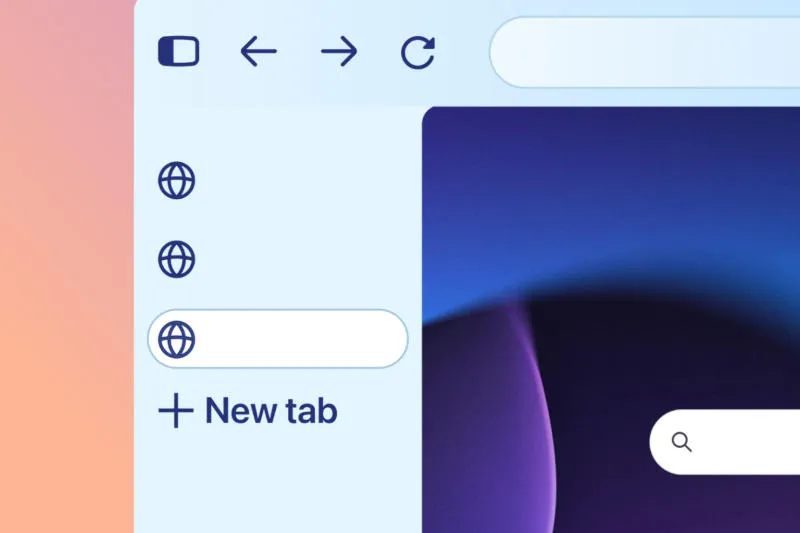
The next time you launch the Mozilla Firefox browser, you may Convert Transformed beyond recognition: its design elements have become more rounded, and fresh splashes of color appear in the design. The developers promise that these changes will not affect performance in any way.
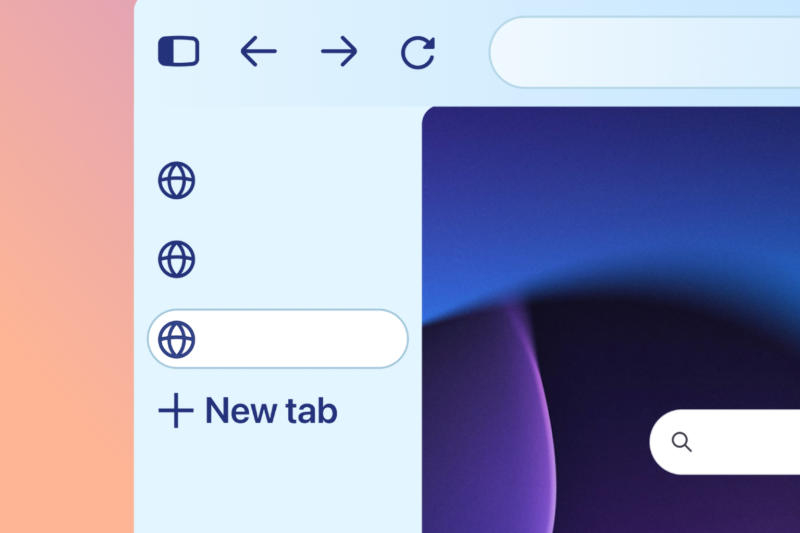
Image source: mozilla.org
The latest Firefox update brings major design changes to both desktop and mobile versions. The interface has become more modern: tab titles now resemble “bubbles,” the address bar is round, and colors, icons, and themes have been updated. Desktop and mobile browsers now use a single design language. Mozilla assures that Firefox’s visual changes “will not impact browser performance in any way.”

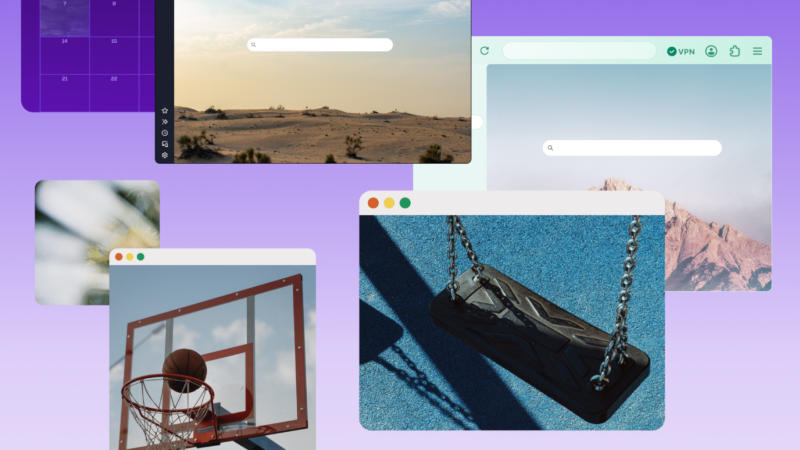
Mozilla is calling the design a “redesign” of the browser, continuing a series of major innovations over the past year. Widgets appear on the Firefox homepage, a split-screen mode is added, and a unified setting appears to disable artificial intelligence features. The browser itself isn’t getting rid of AI features – some of them are not inferior to Chrome, and visually they now have a lot in common.
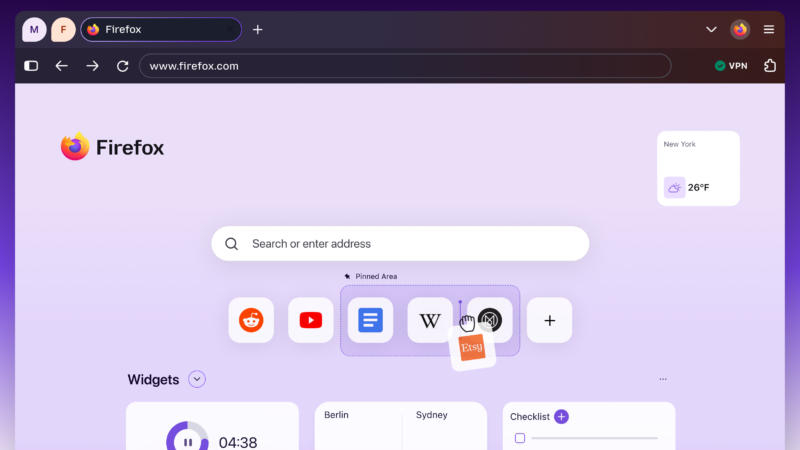
The updated design offers new personalization options, as well as more theme and background image options. Back in May, Mozilla showed off some new themes, as well as color options that support light and dark themes. Finally, the Mozilla Firefox 157 update brings back compact mode with smaller tab titles and toolbar sizes to free up more space for web browsing. There is an option to automatically switch to compact mode on screens with smaller diagonal dimensions.
If you find an error, select it with your mouse and press CTRL+ENTER.