
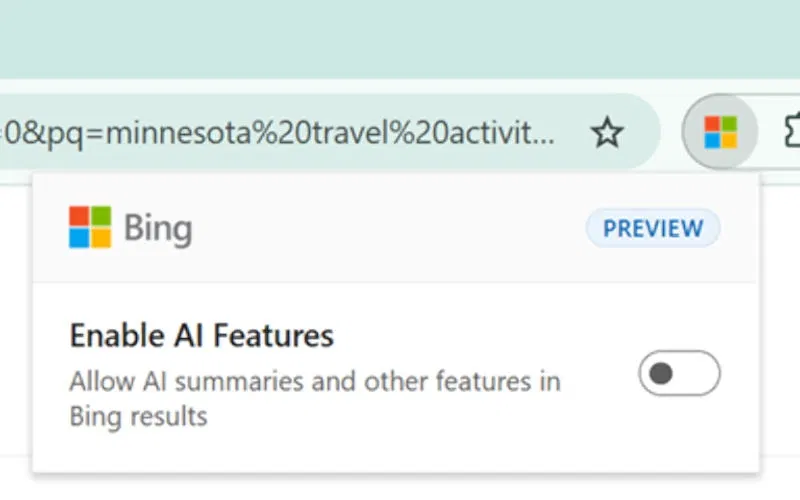
Microsoft has released an extension for the Edge and Google Chrome browsers that allows you to disable AI summaries and chat features in Bing search results. The company has taken a step towards users who consider the technologies introduced by AI to be unnecessary.
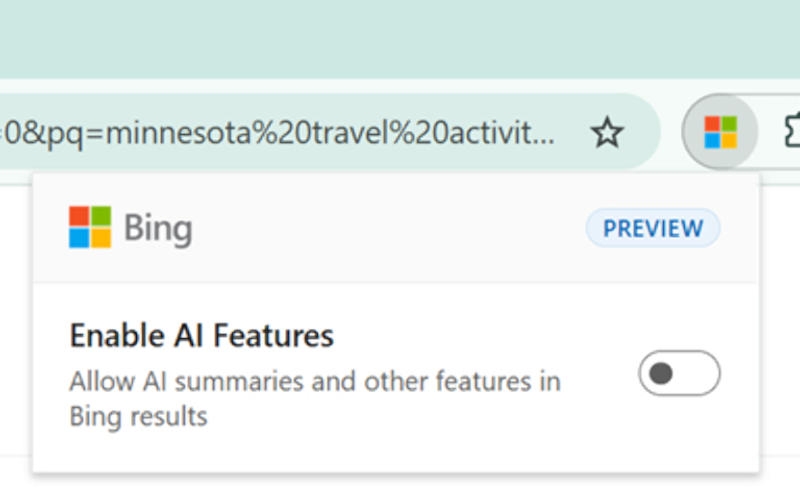
Image source: blogs.bing.com
“We believe Bing users should have choice when it comes to AI. That’s why Bing offers both AI-enabled and traditional search, as well as a browser extension that allows people to easily turn off AI features,” Microsoft explained. Once you install the extension, a toggle appears in your browser so you can turn AI features on or off in Bing at any time. “Research has shown that users want to be able to choose whether or not to connect AI in each session,” the company admitted.
The extension is already available for download for Chrome and Microsoft Edge users. It should be noted that after installing it, the default search engine will be Bing – apparently this is logical, because the tool only works with Bing. It is not entirely clear, however, why Microsoft decided to implement this function as an extension, rather than adding it directly to the site of its search engine.
However, it is not necessary to use the extension. If you add the “-ai” parameter at the end of a search query, all AI tools will be disabled in the Bing results for that query. The disadvantage of this approach is that this operator has to be added manually to each search query. The extension works automatically with every search.
If you notice an error, select it with the mouse and press CTRL+ENTER.