
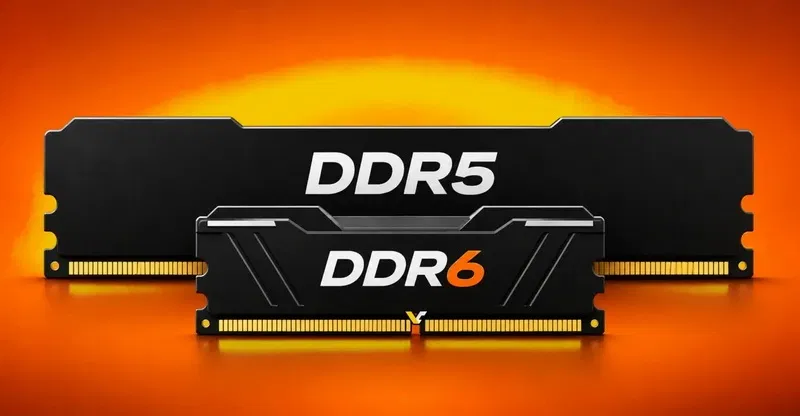
The Semiconductor Products Standards Committee (JEDEC) has published preliminary information on the DDR6 memory standard, which reflects changes regarding bandwidth, capacity and dimensions of memory modules.
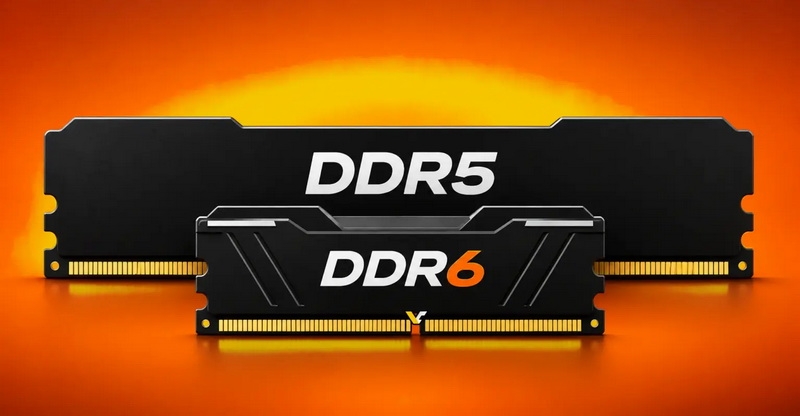
Image Source: VideoCardz
One of the most notable details was the proposal to reduce the module length to 74 mm. For comparison, standard DDR5 DIMMs are 133mm long. Thus, the new modules will be approximately 44% shorter than current full-size memory modules for desktop PCs and servers. The reduction in size is intended to increase memory density in systems with limited motherboard space, which is especially important for servers and platforms used in data centers.
Thanks to the reduced module length, system manufacturers will be able to fit more RAM slots onto the same motherboard footprint. This will be useful for high-capacity server configurations where memory slots compete for space with processors, cooling systems, and other components. However, JEDEC does not claim that all DDR6 modules will be made in the 74 mm form factor.
JEDEC confirms that it is considering various DDR6 memory formats, including RDIMM, UDIMM and CAMM. However, the standard module could apparently get a more compact design.
The development of DDR6 also takes into account the need to increase memory capacity. The proposed standard allows for the use of DRAM chips with densities of up to 128 Gbit (16 GB per die). In addition, JEDEC is working to improve multi-layer die technologies, which will allow for increased capacity without the need to increase the physical size of memory modules.
In addition to physical dimensions, JEDEC is targeting data transfer rates for DDR6 RDIMMs starting at 12.8 GT/s (gigatransactions per second), with the prospect of growing to 14.4 GT/s and beyond. The data bus width increases from 64 to 96 bits, and the number of memory banks doubles. JEDEC estimates that these changes will provide an increase in memory bandwidth of more than 50% compared to DDR5 (at the time of the standard’s release), although this does not automatically translate into a proportional increase in performance in real-world applications.
If you notice an error, select it with the mouse and press CTRL+ENTER.