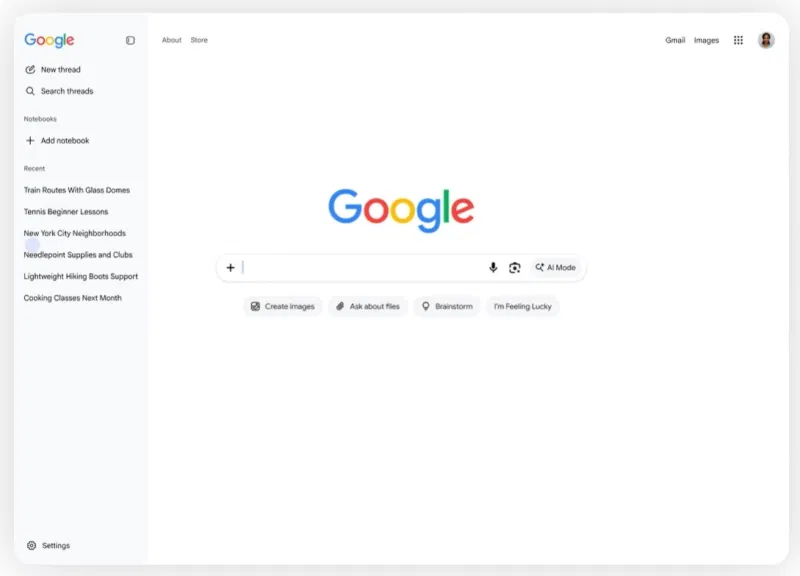
Google has updated the search engine’s home page, adding a sidebar for working with AI chats. Users will be able to view previous queries in AI Mode, return to old discussions and start new conversations without leaving the main page.
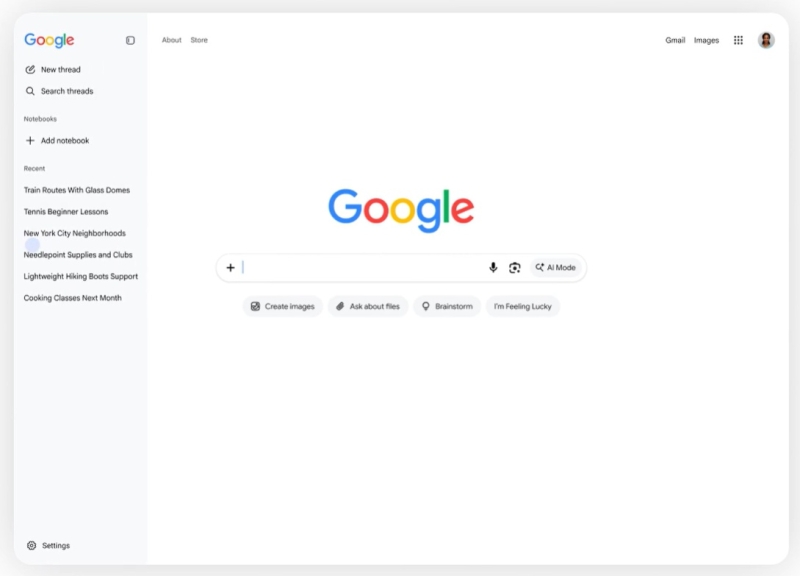
Image source: Google
The panel opens by clicking on the gray bar on the left side of the screen. It displays a list of previous AI requests, provides a search through the history of dialogues, and the ability to create new discussions. In addition, users will be able to connect Gemini Notebook.
New on the Google desktop homepage globally: we’re rolling out a collapsible sidebar to easily find & jump back into your recent AI searches. People are coming to Search with more questions that aren’t just one and done – and in testing, this sidebar made a big difference for making progress & continuing to explore the web. A much simpler way to pick up where you left off.
— Robby Stein (@rmstein) November 19, 2026
Google Vice President of Product Robby Stein explained the innovation by changing user behavior: “people come to search with questions that are not limited to one request.” According to him, testing has shown that the sidebar makes it much easier to continue searching and further study information on the Internet.
The updated Google home page is already gradually becoming available to users around the world in the desktop version of the search engine.
If you notice an error, select it with the mouse and press CTRL+ENTER.