
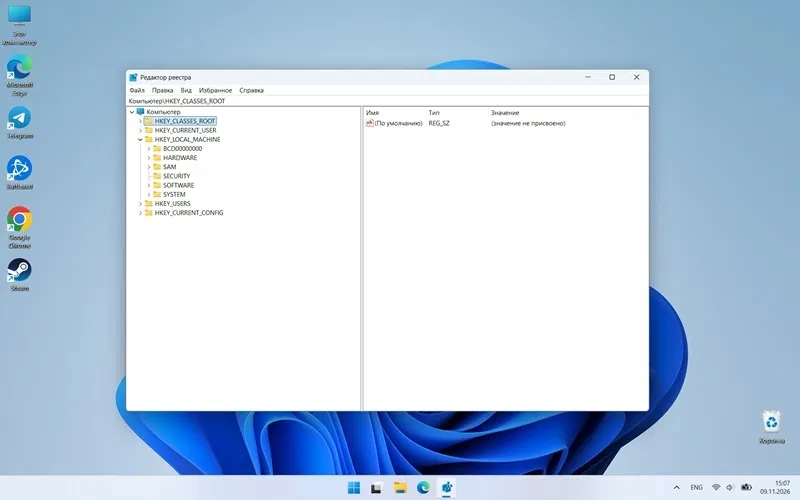
An experimental version of the standard registry editor with an updated interface has appeared in Microsoft’s open repository on GitHub. Users were able to compile the project and successfully run it on a test build of Windows 11. The program is already able to fully interact with the OS system database and make real changes to it.
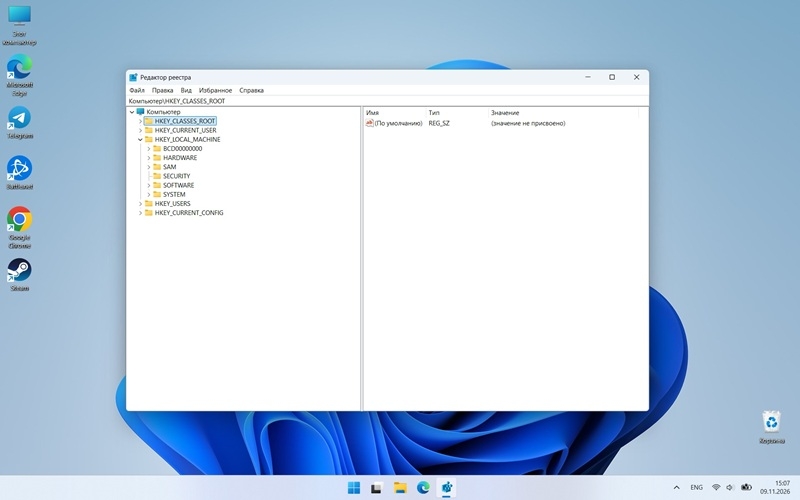
Image source: 3DNews
The appearance of the standard system utility for working with the registry has hardly changed since the release of Windows 95. Users, just like 30 years ago, see a familiar two-panel window when launched with a tree structure of sections on the left and parameter values on the right.
The prototype posted on GitHub retained the standard layout, but acquired controls based on the WinUI 3 graphic framework. The program received a redesigned menu, a modern address bar and support for the translucent Mica effect.
The new Registry Editor project for Windows 11 was written to demonstrate the capabilities of Microsoft.UI.Reactor, an experimental framework in C# introduced in October 2026. It makes it possible to build native Windows applications without using cumbersome XAML markup and traditional ViewModels architecture.
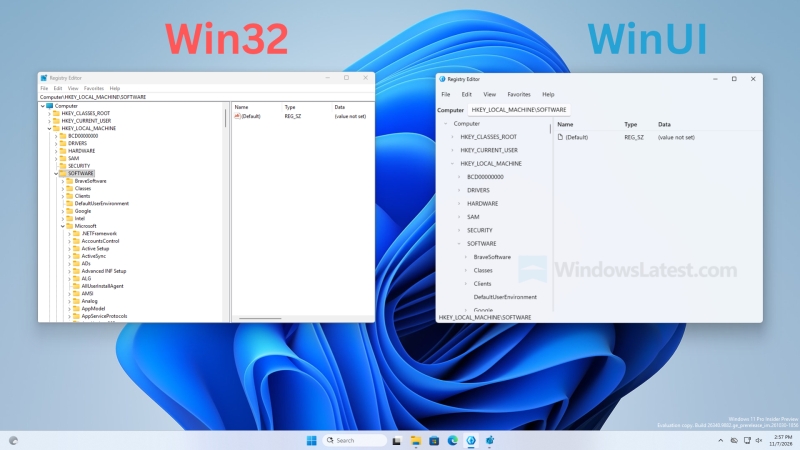
On the left is the current version of the registry editor, on the right is a test version based on the WinUI 3 framework. Image source: Windows Latest
For journalists from Windows Latest succeeded run the utility and make sure that its current version is stable. The editor allows you to search, create, rename and delete registry keys, as well as edit various types of values.
But the full release of this version is still a long way off: the application does not save favorites bookmarks, there is no usual import and export of configuration files in .reg format, and the menu for differentiating access rights also does not function.
The prototype of the new registry editor for Windows 11 was created by the Microsoft.UI.Reactor development team, and in its current form it most likely will not become a replacement for the standard system tool.
If you notice an error, select it with the mouse and press CTRL+ENTER.