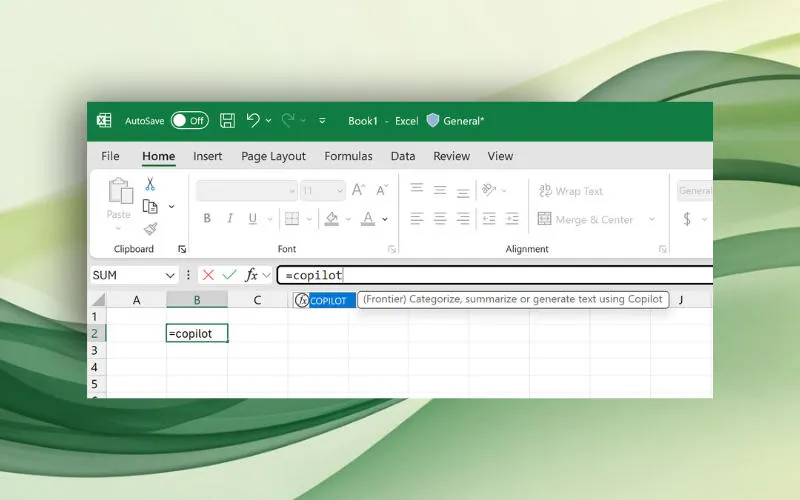
As part of a major modernization of Microsoft’s artificial intelligence platform Decide Disable the Copilot feature in Excel – It will stop working on September 14, 2026.
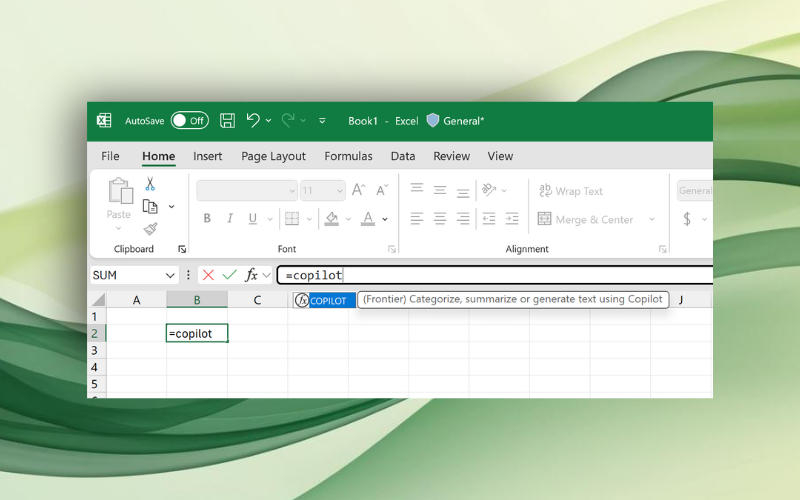
Image source: microsoft.com
Microsoft announced the feature in Excel last August, with a general release planned for 2027. The tool was in testing with members of the Frontier and Insider programs for about a year, but Microsoft apparently decided to retire it. Initially, the developers described the COPILOT() function as a tool that allowed you to formulate Excel tasks in natural language, including as part of a formula – this made it possible without having to open a separate Copilot window.
Examples of use include creating customer feedback summaries, classifying data, integrating data from external sources, and formatting. Microsoft does not recommend using it for numeric operations, to collect and retrieve information already in the workbook, or for content subject to local laws. Some of these options may be useful in practice.
The built-in COPILOT() function in table cells will no longer work, but users will still have access to the same AI functions. You can continue to work with the AI assistant through the Copilot sidebar and floating dynamic action buttons (DAB), so unit-level AI operations become redundant.
If you find an error, select it with your mouse and press CTRL+ENTER.