Valve seems to be getting ready to release the Steam Frame VR headset. Due to the updated Arm version of the Steam client, the official Unboxing video and device settings. according to Steam Hardware UpdateValve quickly removed the videos from public view, but vigilant users managed to save them and spread them online.
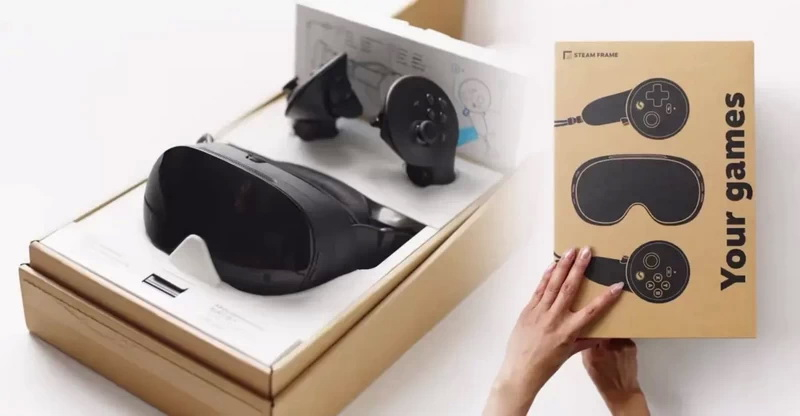
Image source: Valve
A total of 8 videos have been released, specifically introducing the unboxing of the Steam Frame, design features and comfort, adjusting the interpupillary distance of the VR device lens, logging into Steam, wireless adapters and other accessories. One of the videos shows how to adjust the headset’s articulating arms for a better fit. Valve also showed off a special spacer that fits under the panel for users who wear glasses.
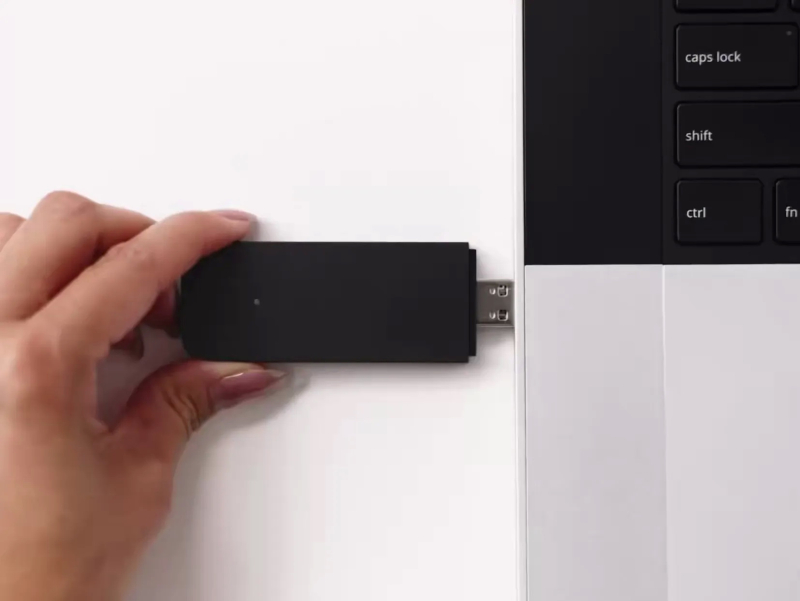
Another video explains how the included wireless adapter can be connected to a PC or Steam machine to stream games. The Steam Frame headset is designed to be used either as a standalone system on the Arm platform or as a wireless VR headset on a PC. Valve’s developer documentation confirms support for standalone apps and game streaming for Windows and Linux PCs.
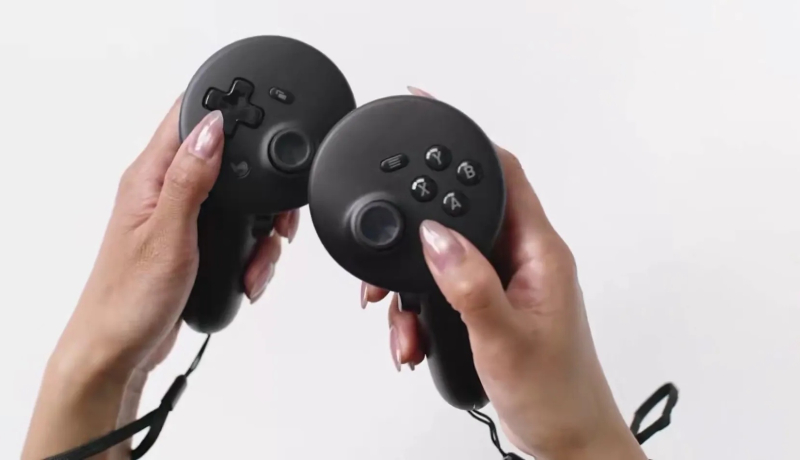
The leaked material also relates to a separate set of ergonomic accessories for the Steam Frame. It includes a controller strap, a top headband designed to improve headset weight distribution and stability, and an extended lightweight protective cover designed to improve nose fit. Valve has shown off some of these accessories before, but the new video provides instructions on how to install and use them.
The Steam Frame VR headset is powered by a Qualcomm Snapdragon 8 Gen 3 processor and an LCD panel with a resolution of 2160×2160 pixels per eye. The device supports offline gaming mode, allowing games to be played directly on the headset or streamed from a computer via a dedicated wireless adapter.
Valve has yet to announce a price for the Steam Frame, nor a release date for the VR headset. Previously, the company had only confirmed that Steam Frame and Steam Machine mini PCs would begin shipping this summer.
If you find an error, select it with your mouse and press CTRL+ENTER.