Windows Job Manager remains one of the most useful utilities built into the operating system. It allows power users to control processes running on their computers; Microsoft now supports monitoring of artificial intelligence workloads.
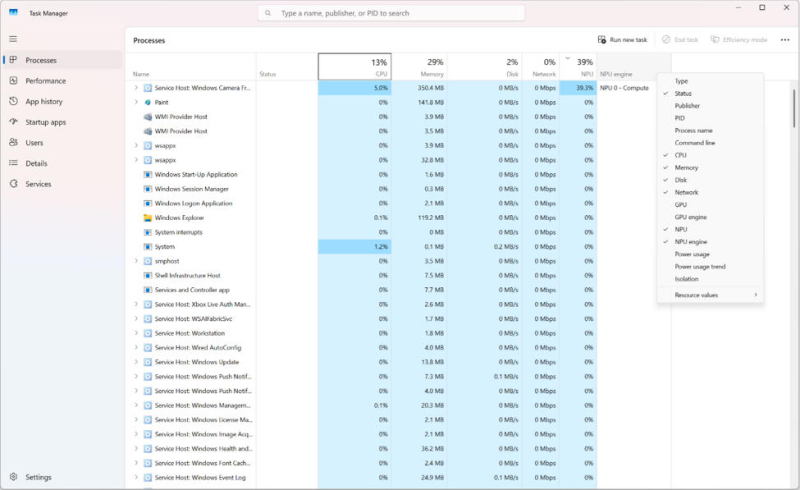
Image source: microsoft.com
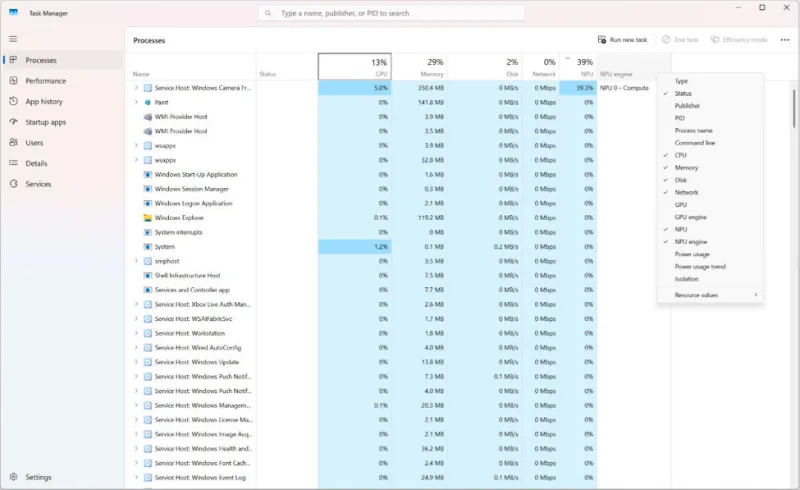
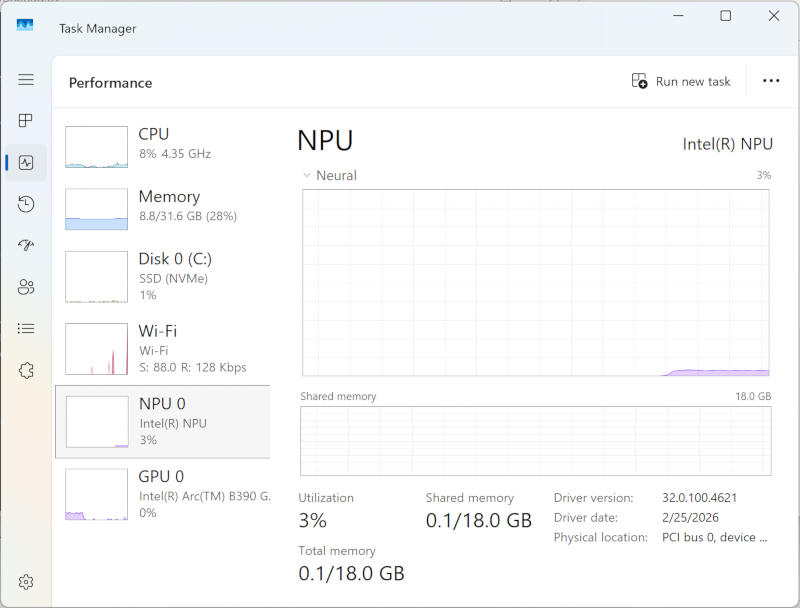
The program has a long history, dating back to the 1990s – utility creator Dave Plummer said it emerged from “a very Unix-like impulse.” Therefore, adapting it to modern workloads seems logical. “Previously, the Processes tab did not show NPU or GPU activity for each process.”,— explained at Microsoft. These features are now available on compatible devices: the Processes tab shows NPU load as well as CPU and GPU loads; the total load is shown in the Performance tab.
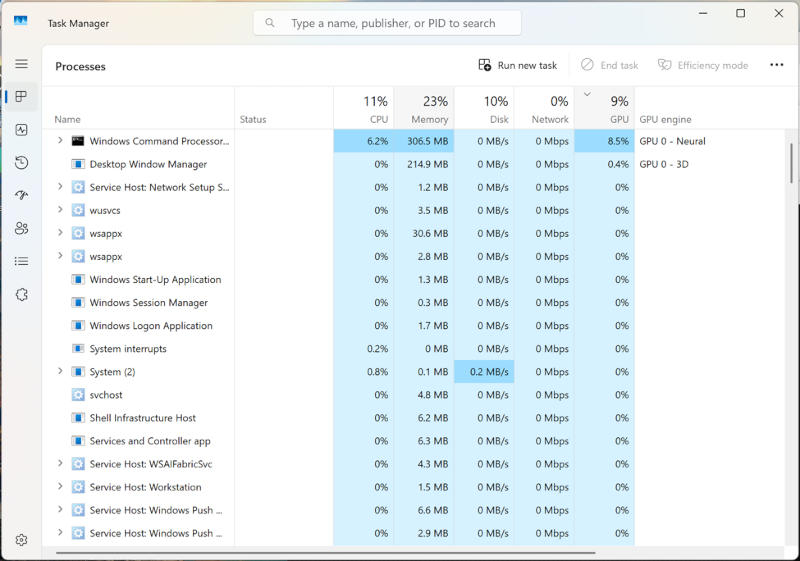
This is convenient, although Task Manager devotes more resources to monitoring tasks rather than managing them. However, knowing which processes are using which hardware can help you diagnose performance and power consumption issues, which is very useful on battery-powered laptops. “As AI workloads become more common on Windows devices, understanding Neural Engine’s NPU and GPU resource consumption can help you make more informed decisions. With the latest improvements to Task Manager, you can track AI processing activity as well as CPU, memory, storage and network data in a familiar interface.”Microsoft said.
This will certainly be useful to developers, especially if new features are implemented without sacrificing the speed and simplicity that are integral to Task Manager.
If you find an error, select it with your mouse and press CTRL+ENTER.