
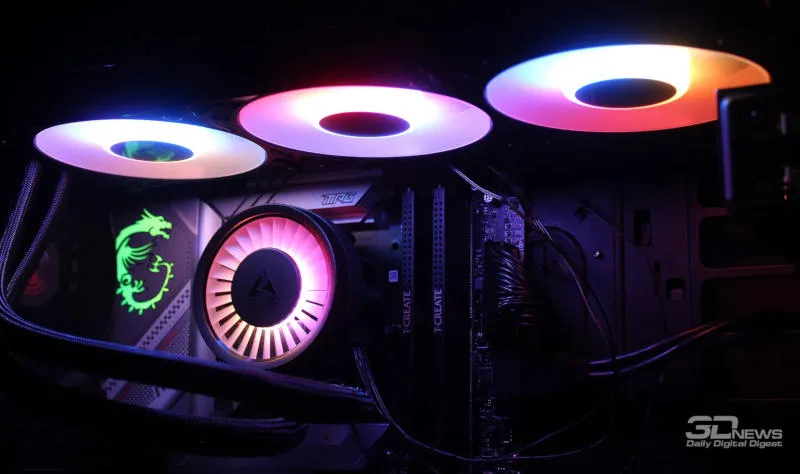
Microsoft has determined why Windows 11 update KB5121003, released in August, started experiencing errors when launching three PC games. Turns out, it’s all about RGB peripherals and components.
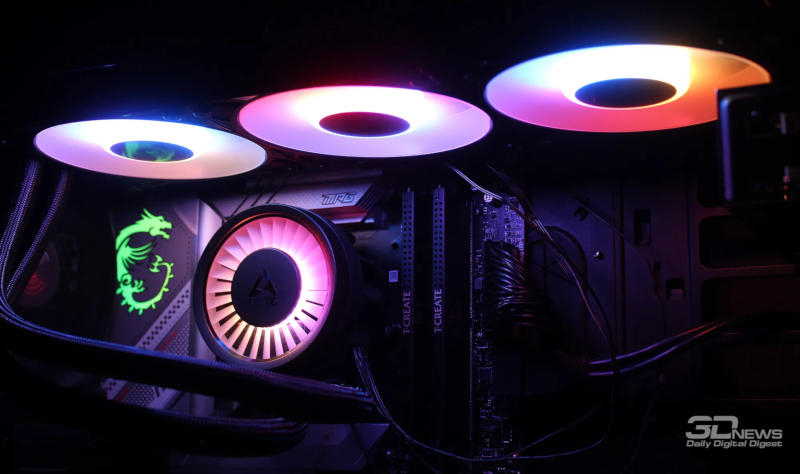
The problem isn’t the device itself and its color lighting; Microsoft claims the culprit is a file with the same name in the peripherals’ software. “Ongoing investigation indicates that this issue is related to peripherals or internal components equipped with RGB lighting. Such devices may install drivers or software components with file names similar to inpoutx64. On systems where such drivers are present, launching certain games will trigger an error.”,— point out in the company.
Microsoft did not disclose details. There is very little official information about the inpoutx64.sys file – all we know is that it is a system file and a driver, and can be found in the “C:\Windows\System32\drivers” folder. Embark Studios, the developer of two of the three affected games, confirmed: “The crash is related to the inpoutx64.sys file, which has changed after a Windows update”.
The issue affects the games Marvel Tokon: Fighting Souls, Arc Raiders and The Finals – the latter two games are published by Embark Studios. Due to the error, the game may stop responding to user actions, close, display an EXCEPTION_ACCESS_VIOLATION error message, and cause the computer to restart. “We are working to understand the relationship between these RGB components and the game causing this issue. We will provide details as soon as they become available.”” Microsoft added. As a temporary solution, Embark Studios recommends deleting the inpoutx64.sys file and deleting all entries for it from the system registry.
If you find an error, select it with your mouse and press CTRL+ENTER.