

OpenAI launches updated version of image generator ChatGPT Image 2.5 – In this version, the developers focus not on the model’s ability to draw beautiful pictures, but on the accuracy of meeting user requests when editing existing pictures.
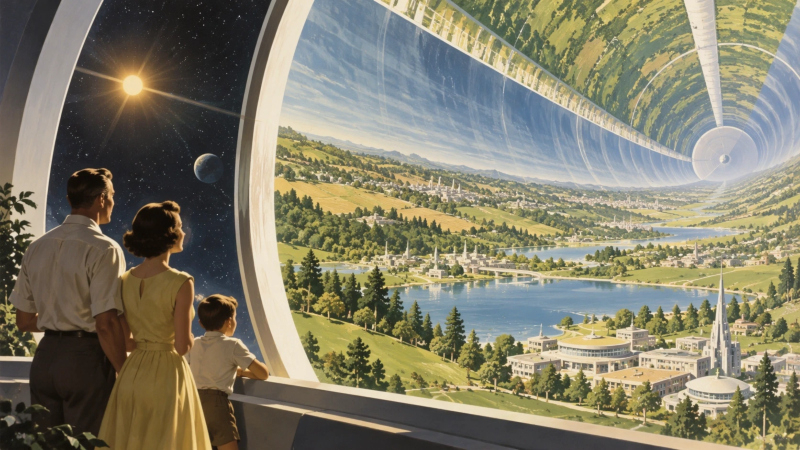
Image source: openai.com
When loading source photos as samples, the OpenAI ChatGPT Images 2.5 model is now better able to preserve the identity of key subjects (such as people) if the style or scene of the image needs to change. The accuracy of the following commands has been improved: when editing, the model more effectively changes only those aspects of the image that the user points to, without touching the rest – this could be the background, a piece of clothing, or an inscription. The new feature is especially important when editing step-by-step – you no longer have to worry about faces changing in one stage, or actions from the previous stage not working in the next.

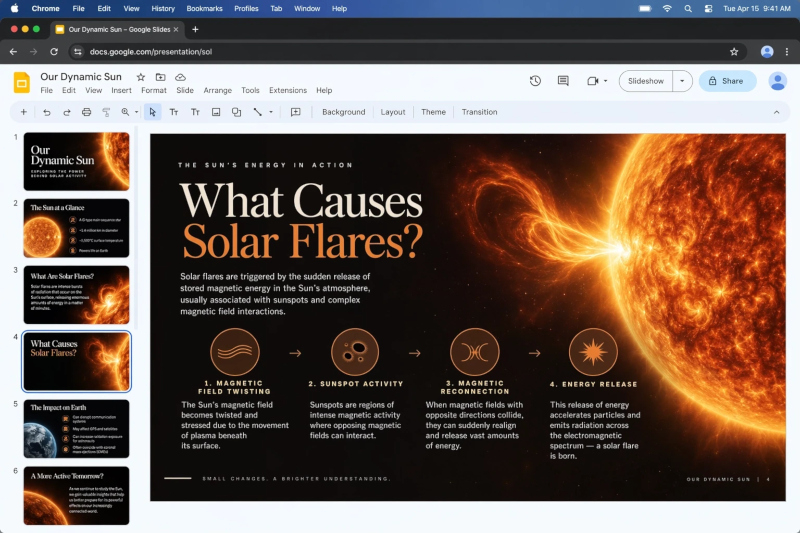
Works faster: OpenAI ChatGPT Images 2.5 can save up to 50% of the time when executing requests compared to its predecessor. The model is more responsive to complex queries – it can better handle composition descriptions, text, transparent backgrounds and visual styles. When exporting an image, you can quickly publish not only the image itself, but also the corresponding query so that other users of the service can try to achieve the same results using their original image. An important innovation is the “Sketch” function: now in the ChatGPT interface you can manually draw an approximate diagram of what should be output – this is very useful when it is difficult to describe the spatial composition in words. The template feature is also useful for typical tasks when generating posters or marketing materials.
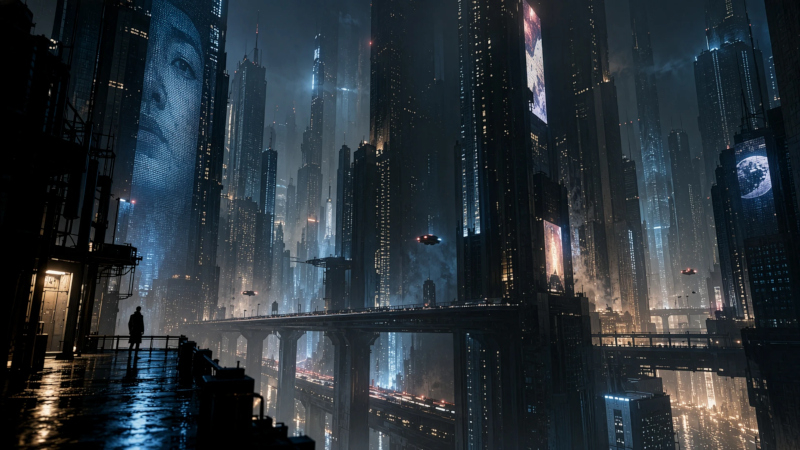
The OpenAI ChatGPT Images 2.5 image generator is available in the ChatGPT, ChatGPT Work and Codex platforms for desktop and mobile applications, as well as in the web interface and API. The model comes in two versions: the simpler and more versatile GPT-Image-2.5 Flare, suitable for most tasks; and the slower GPT-Image-2.5 Sunburst, which provides maximum control and high-fidelity editing. Once generated, images are appended with invisible watermarks and C2PA metadata – these tags provide transparency to AI-generated or edited images.
If you find an error, select it with your mouse and press CTRL+ENTER.