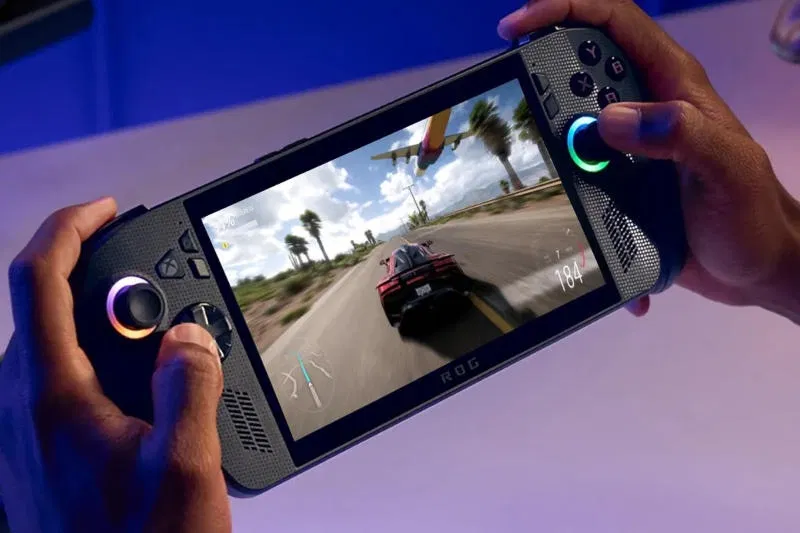
Microsoft announced the release of Super Resolution (Auto SR), an upscaling technology that acts as an analogue to Nvidia DLSS. Owners of Asus ROG Ally X portable consoles were the first to receive the new feature, and they can use Microsoft’s own solution for image scaling even without connecting to a docking station, including in games with a resolution of 1080p.
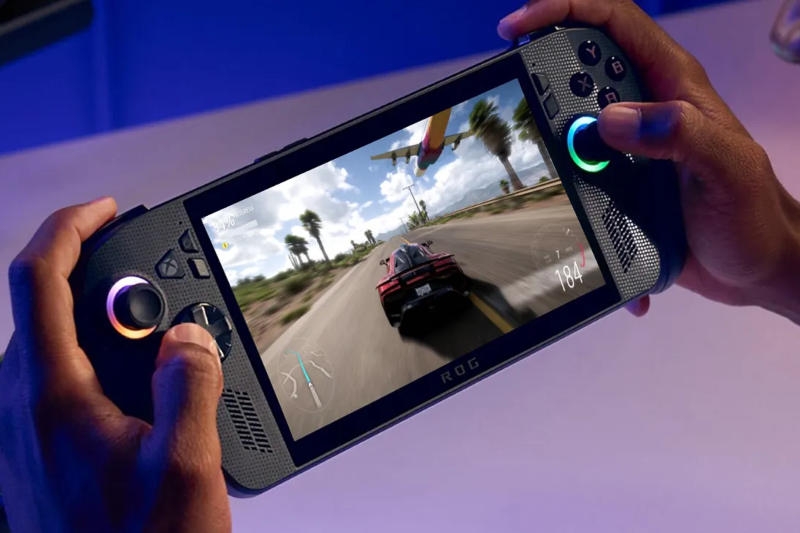
Image source: rog.asus.com
The new feature is available on Asus ROG Ally X, ROG Ally (2023 model), as well as on some Windows Copilot+ PCs with AMD Ryzen processors. With the official release, Auto SR technology has received a number of new features.
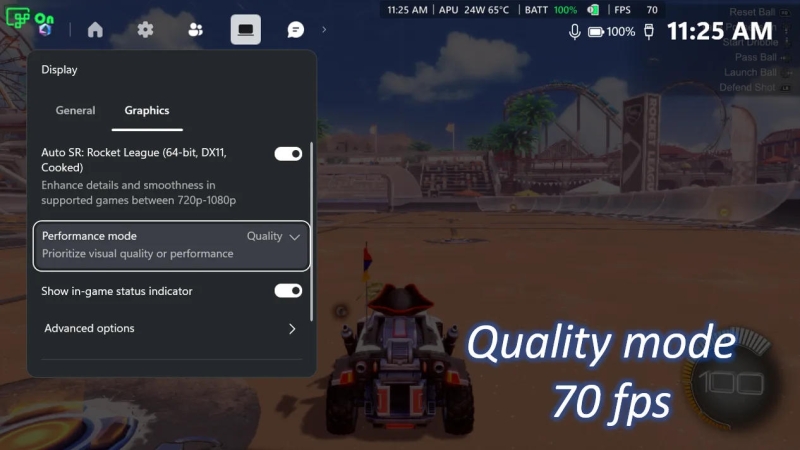
Image source: microsoft.com
Microsoft began testing Auto SR back in April on the Asus ROG Ally X device – at that time, the technology only worked when the device was connected to a docking station. Now it is available in portable mode, that is, when running on battery power, and games with a resolution of 1080p are supported. In this mode, performance may not be as optimized as with other configurations, Microsoft warned, but promised a noticeable improvement in image quality, “especially in older games.”
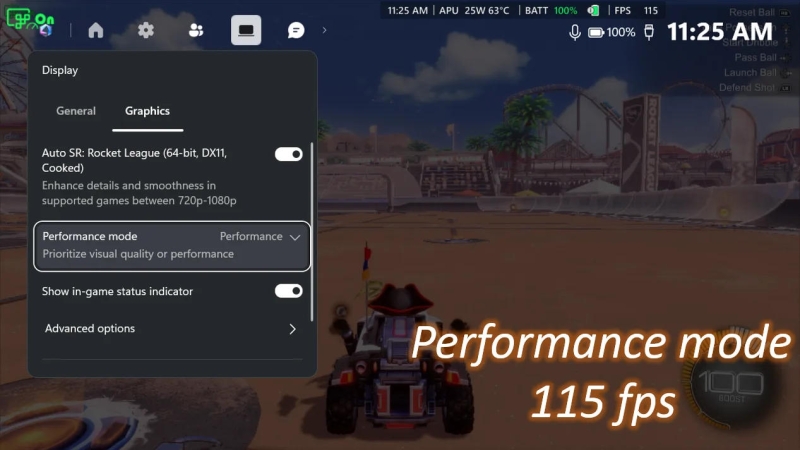
Image source: microsoft.com
Previously, Auto SR was limited to frame rates between 60 and 75 fps; Now with Performance mode you can reach 120 frames per second. This mode, as well as support for Auto HDR technology, will become available to users through Windows updates.
Auto SR works on the same principle as Nvidia DLSS technology. The game is rendered at a lower resolution to improve frame rates, and then those frames are upscaled to improve image quality. Not all games support DLSS or AMD’s similar FSR or Intel’s XeSS, but Microsoft’s Auto SR feature is built into Windows and can apply super resolution to existing games even if they don’t have upscaler support. According to Microsoft, it can be enabled for games that support DirectX 10 and later, but results may vary.
If you notice an error, select it with the mouse and press CTRL+ENTER.