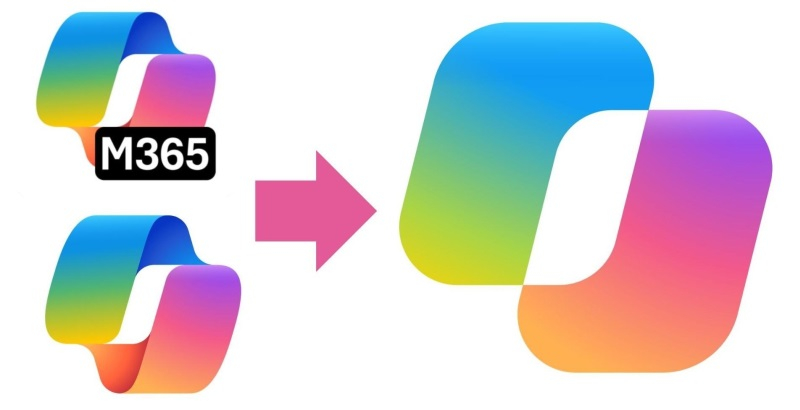
Microsoft has begun merging the consumer and business versions of its Copilot AI assistant into a single “super app” interface. This first affects Copilot and the Microsoft 365 Copilot app. Personal and business accounts will be moved to a new unified app called Microsoft Copilot, which features redesigned shortcuts.
Image source: Microsoft
The introduction of a single application also means there will no longer be two Copilot shortcuts on the taskbar and system tray. “The app has a new look and brings together the best of Copilot’s chat capabilities with Microsoft 365 productivity features.”Microsoft said in a statement. The changes are intended to prepare technology for the “super apps” the software giant plans to launch later this year. The current changes actually lay the foundation for the future transformation of Copilot brand products.
Announced changes to mobile and web apps will be “Mid-August”with plans to deploy Windows and macOS applications “Mid-September”. Mobile app users will be prompted to download the new Copilot app, with some Windows Insiders getting the upgrade as early as this week. Microsoft CEO Satya Nadella confirmed the plans during the company’s earnings call on July 29, saying “An important step forward”.
Previously, Microsoft announced its intention to integrate different artificial intelligence tools (such as chatbots, research tool Cowork, code generation assistants and Autopilots autonomous agents) into a single interface. This approach will eliminate the need for users to switch between applications and make the Copilot experience more consistent. It’s also part of a broader trend in the industry. OpenAI recently launched a “super app” that combines ChatGPT and Codex.
How much changes users expect will depend on how many Copilot-related services they interact with. Existing Copilot users will be automatically migrated to the new app, retaining chat and other content, while Microsoft 365 Copilot users will see “Small changes to navigation” and updated tags, as well as access to chatbots.
If you find an error, select it with your mouse and press CTRL+ENTER.