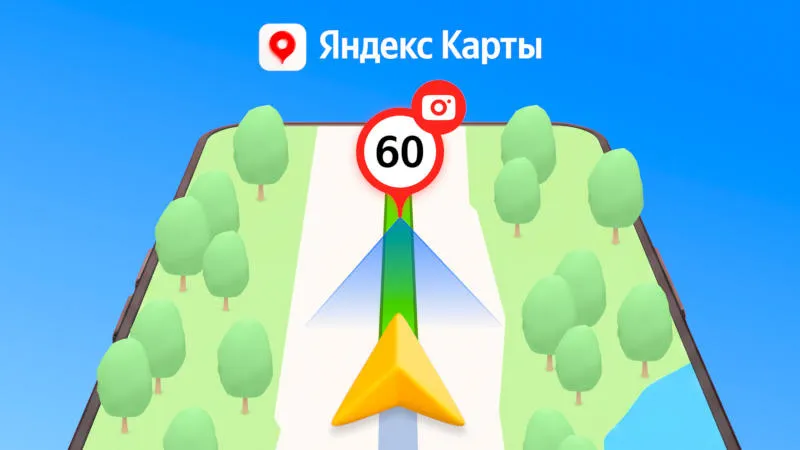
The Yandex map service is now displayed when switching to navigation mode programmethe speed limit of the nearest road section, and the direction of the traffic camera. This will help the driver understand the situation ahead and gradually change speed.
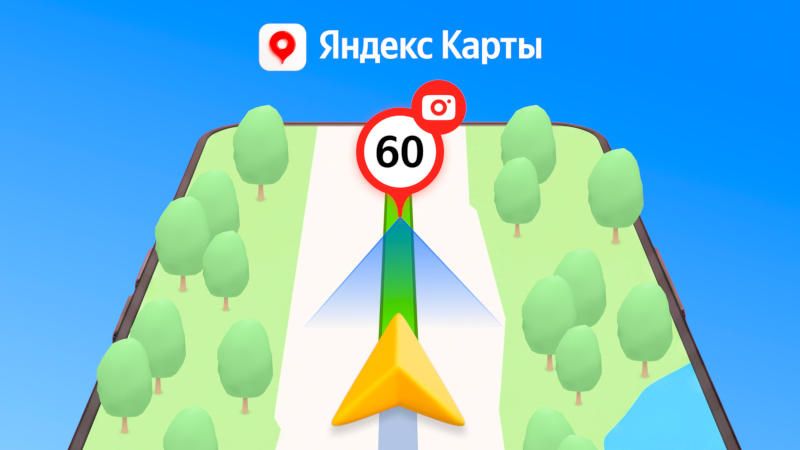
Image source: yandex.ru/company
New Yandex map features aim to improve traffic safety and predictability. Until now, the service has shown speed limits that only apply to the current segment, but now you can view information for subsequent segments. Therefore, if there are restrictions on the following road sections, drivers will be able to reduce their speed in advance. As the pilot rollout of the new feature shows, the initiative does help in adhering to speed limits.
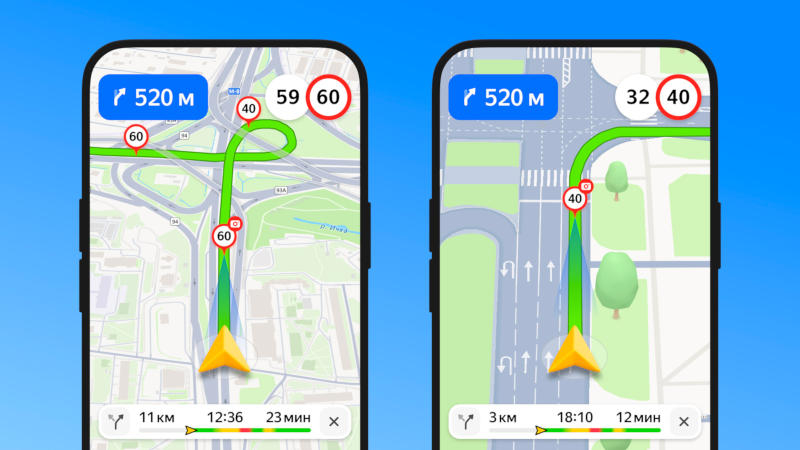
Another way to avoid driving violations is to browse information from installed traffic cameras. Previously, Yandex maps only showed their location, now they also show the directions of the two closest cameras along the route. The service will tell drivers which lane the camera is targeting and what traffic is being monitored. If any camera records speed only after passing it, the service will report this as a voice alert.
If you find an error, select it with your mouse and press CTRL+ENTER.