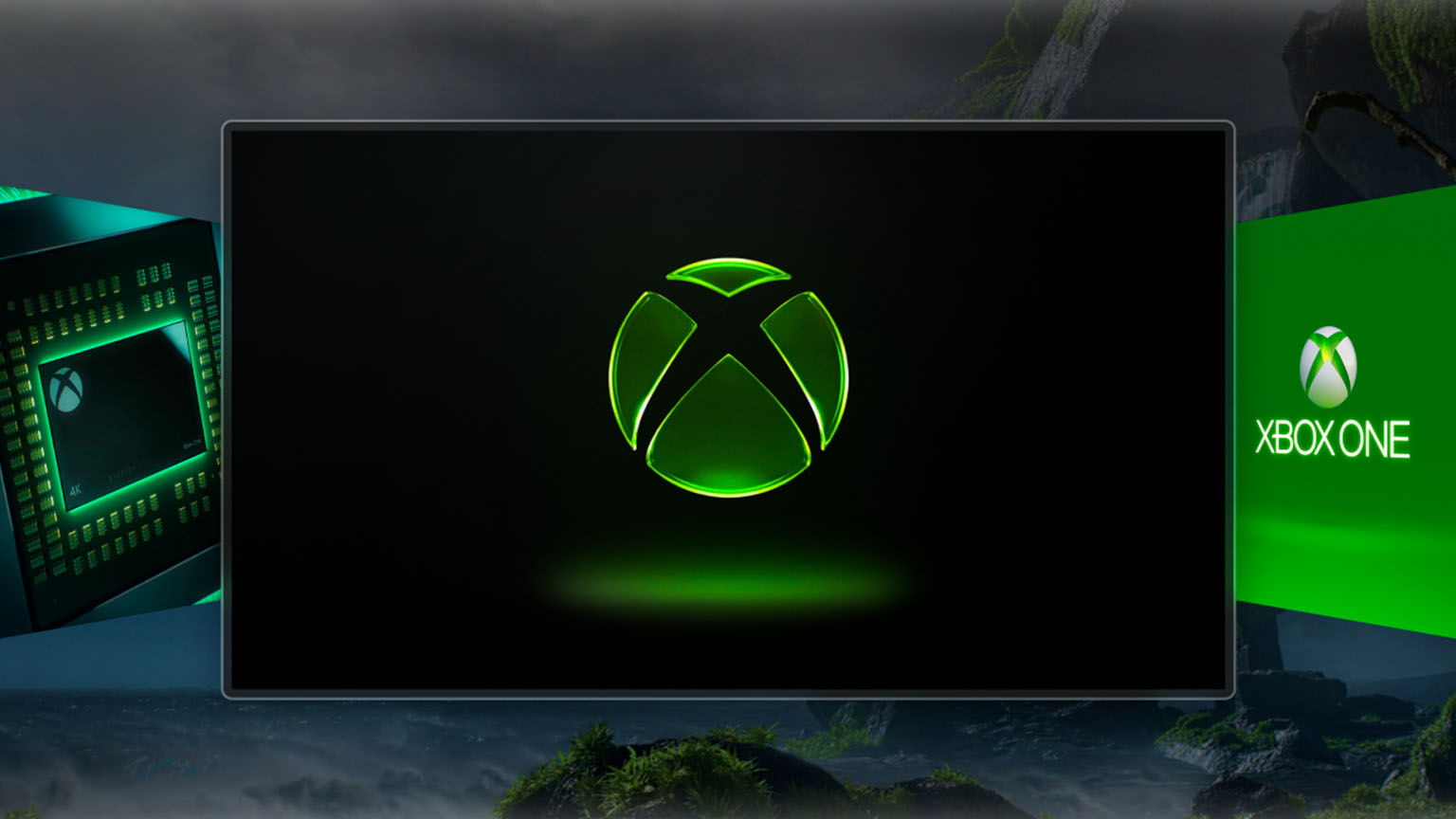

Microsoft this week launched a new feature for the Xbox Series X console | S. Players can now independently decide which startup animation they want to see when turning on the console. The option is currently being tested among insiders, but it should be available to all players in the near future.
Players with access to test features on Xbox Series X consoles | S, showing what types of animations are available. Set-top box users can set one of four options.
We are Xbox (new Xbox logo introduced earlier this year):

Xbox One (classic screensaver from previous generation consoles):

Xbox One X (an exclusive loading animation for the powerful previous generation Xbox console):

Xbox Series X | S (Classic screensaver for current generation consoles):

To choose the Xbox launch animation, you must currently be in the Insider program. The setting itself is located in the console settings in the System – Start Screen section. After confirming the selection of the cover, you need to download the cover from the Microsoft server, which takes a few seconds. Also note that the sound depends directly on the specific animation, and in the same settings you can turn it off.