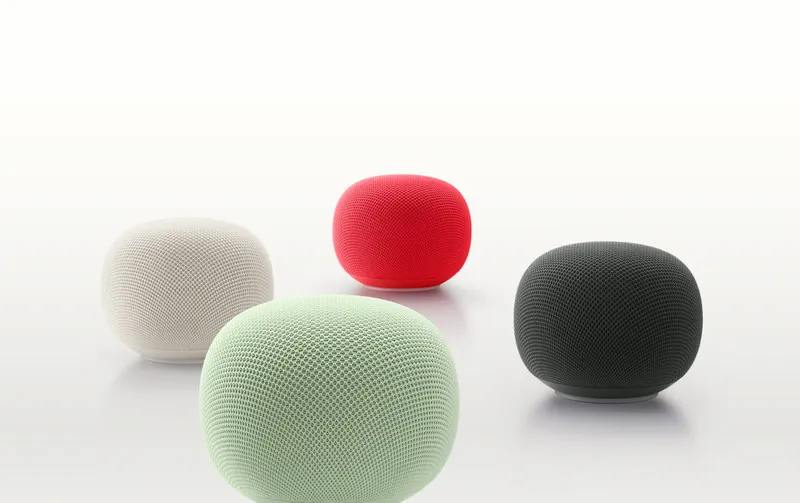
Owners of smart home systems will be able to use artificial intelligence agents to control devices connected to Google Home. According to TechCrunch, Google opened early access to the Google Home ecosystem Model Context Protocol (MCP) server on Tuesday. This will allow any MCP-enabled AI agent (such as Claude, Hermes, OpenClaw, ChatGPT, or Google Antigravity) to securely interact with smart home devices and access event history.
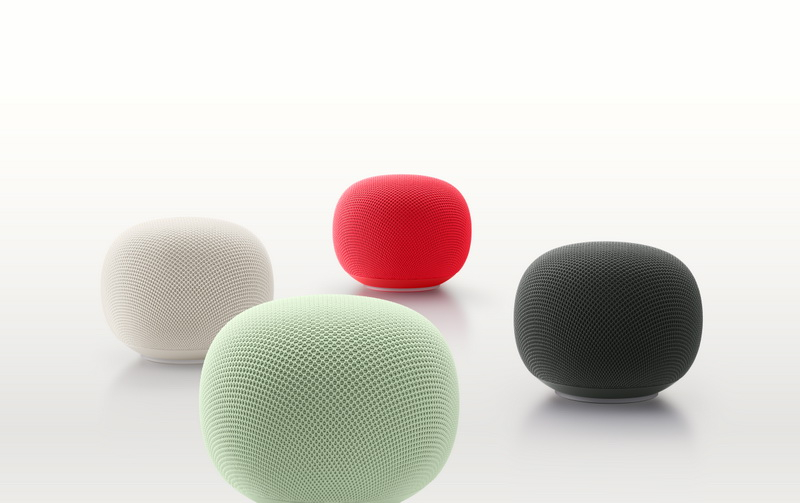
Image source: Google
With this update, users will be able to issue natural language commands to perform actions such as viewing camera sources, monitoring home activity, controlling connected devices, and building their own smart home dashboards.
To set up a connection, users need to create a project in Google Cloud and configure it to work with Home MCP. You then need to pass the MCP configuration parameters to the selected agent and issue the configuration command. The agent will ask the user to log in and provide the necessary permissions. The Google Home Developer Center also provides setup instructions.
The system will support any device in the Google Home ecosystem, including Google Nest doorbells and thermostats, as well as work with Google Home certified (or Matter-compliant) devices, such as smart light bulbs.
Google already uses MCP in other areas of its business, notably Google Cloud, Data Platform, Developer Tools, and Google Workspace. Google Home support is primarily aimed at consumers trying to use artificial intelligence agents to perform everyday tasks.
The company said it will roll out MCP access to Google Home Premium Advanced users in the United States in phases starting today and over the coming weeks. This is a more expensive plan ($20 per month) that includes expanded storage of event video recordings, informational notifications and detailed alerts, a video search tool, daily summaries, and more.
Google wouldn’t comment on if or when MCP will be rolled out more broadly, such as with other pricing plans or in other markets. The company also noted that it will collect feedback from early adopters through its smart home developer community.
If you find an error, select it with your mouse and press CTRL+ENTER.