Windows 11 preview update KB5120998 released last week contains a strange bug that causes the mouse cursor and desktop wallpaper to malfunction.
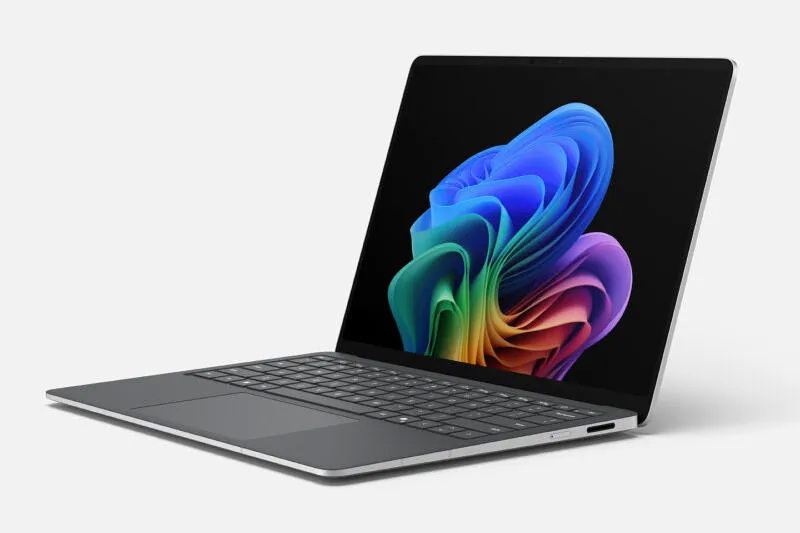
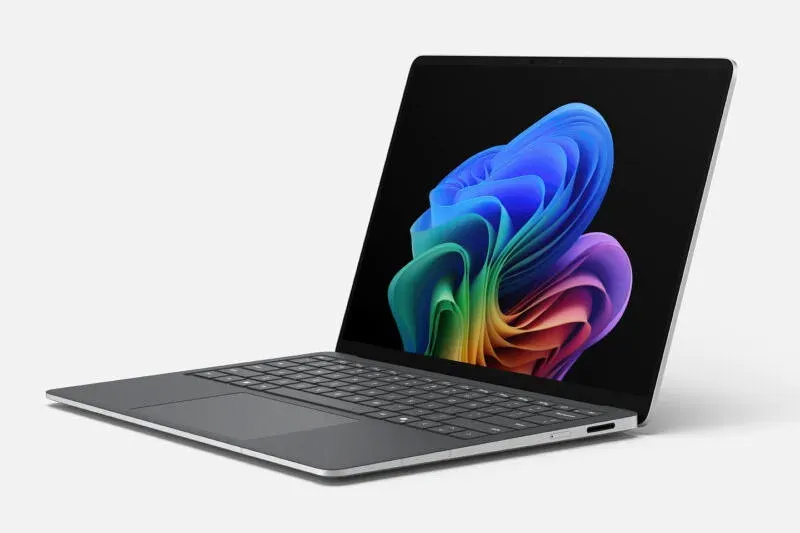
Image source: windows.com
Update KB5120998, released as a preview, focuses on improved functionality, including the ability to move taskbars. However, some users who installed this update reported that it contained bugs.
“After installing this update, my wallpaper [рабочего стола] goes black and now I have a really big mouse cursor and it randomly changes to normal”one user wrote on the Reddit forum. Other users reported the same issue, prompting them to uninstall the update.
Microsoft said on Friday it was investigating the issue and acknowledged “Message that mouse cursor personalization settings are being changed or restored to some default settings”. “The issue is described as causing poor visual appearance and intermittent animation changes. Some reports mention that high-resolution mouse cursors are being replaced by larger white cursors, and custom cursor animations are reverting to standard animations. Attempts to restore the previous cursor settings have reportedly been fruitless.”the company added.
It’s unclear whether the issue is related to the Windows operating system or some third-party software. The company promised to provide more information as soon as it becomes available. Update KB5120998 has been released for users of Windows 11 versions 25H2 and 24H2. It was previously reported that the same update was causing errors in Windows Defender notifications. The system starts sending messages that the built-in antivirus software is disabled, even though it is running in normal mode.
If you find an error, select it with your mouse and press CTRL+ENTER.