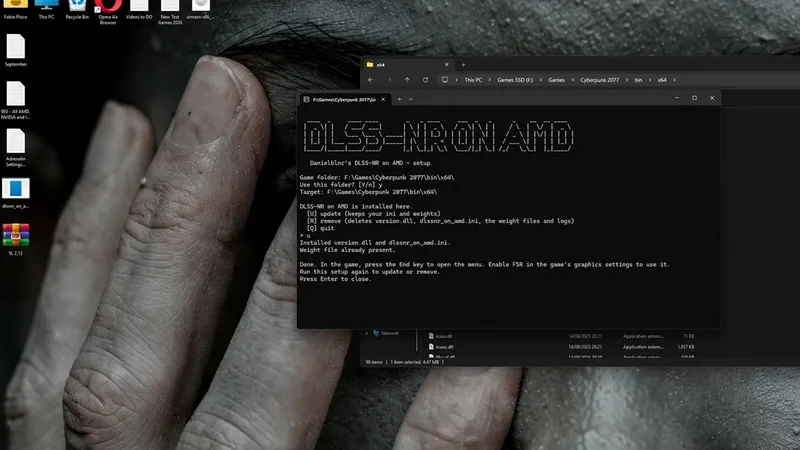
DLSS 5 technology designed for Nvidia GeForce RTX 50 series graphics cards has been ported to AMD Radeon RX 9000. Modder danielblnc has released a tool called DLSS-NR for AMD, which allows RDNA 4-based graphics cards to run Nvidia’s neural rendering technology in supported games.
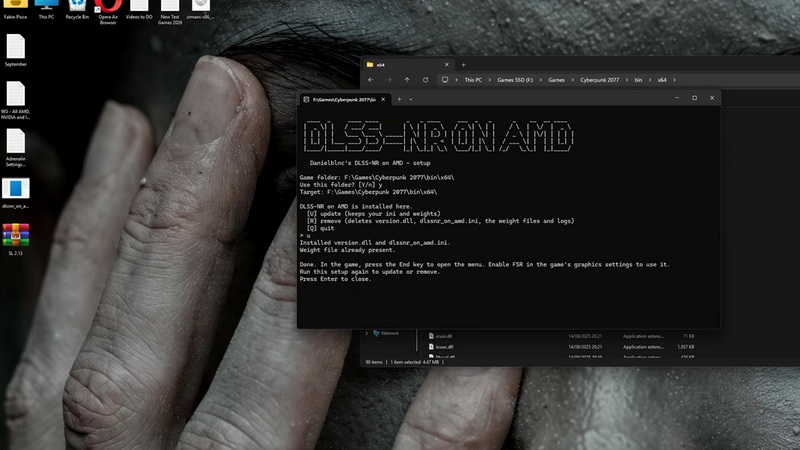
Image source: YouTube/Ancient Gameplays
Here’s how the setup works: A small installer and Nvidia’s nvngx_dlssnr.dll file are placed in the game’s bin folder and switched to neural rendering via the FSR 3 or FSR 4 profile. So far, the DLSS 5 port has been tested in Cyberpunk 2077 and GTA V: Enhanced Edition games. It is reported that older AMD graphics cards are not supported. Games with anti-cheat features block DLL files entirely, so this DLSS 5 integration is only available for single-player games.
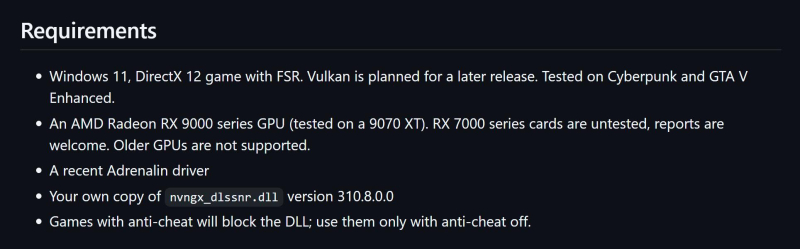
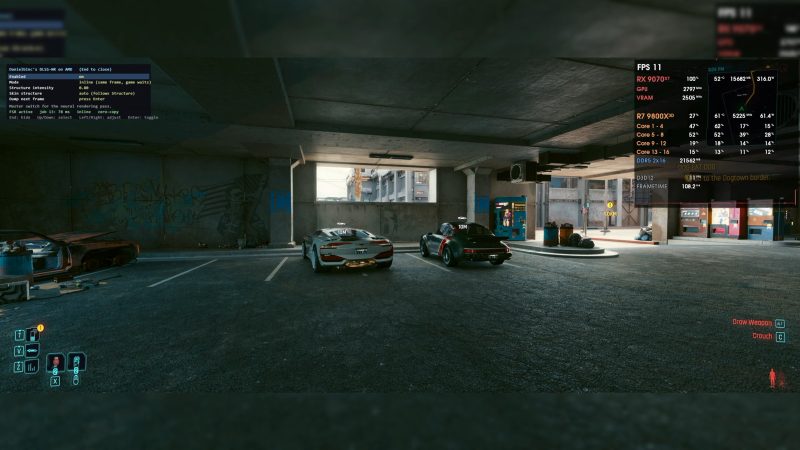
According to YouTuber’s test ancient game playthe main issue when porting DLSS 5 to AMD graphics cards remains performance. Early versions of this mod significantly reduced the performance of Radeon RX 9070 XT 1080p in Cyberpunk 2077 from 80 FPS to around 11-12 FPS. The latest DLSS-NR Alpha v0.2.7 update restores some performance, increasing the frame rate to 30 FPS, but this is still a significant drop in performance for a graphics card that can handle the game’s native rendering well.
How do you implement DLSS 5 on AMD graphics cards? It’s very simple. DLSS 5 uses the FP8 format for calculations. The RDNA 4 architecture of Radeon RX 9000 graphics cards natively supports this computing format, as do GeForce RTX 50 and 40 series graphics cards.
Nvidia said that currently only Blackwell (RTX 50 series) graphics cards officially support DLSS 5, but after optimizing the performance of current generation graphics cards, the company plans to introduce DLSS 5 support to RTX 40 series graphics cards. In turn, modders have been able to port DLSS 5 to RTX 30-series and even RTX 20-series graphics cards. However, as you might expect, performance takes a big hit in this case.
Support for AMD graphics cards is apparently unofficial and still in the early stages of development, so don’t expect it to be a practical way to use it in games anytime soon.
If you find an error, select it with your mouse and press CTRL+ENTER.